A Beginner-Friendly Guide to How It Works (and What You Need to Get Started)
When I got my first 3D printer, I was thrilled—and totally lost. My first print failed halfway because I forgot to level the bed properly. Since then, every successful print has felt like a small victory. If you’re just starting out, know that every expert once felt the same.
3D printing can seem intimidating at first, but with the right guidance, it becomes an incredibly rewarding creative outlet. This guide is designed to help you take your first steps with confidence.
“My very first print was supposed to be a simple calibration cube. It ended up as a tangled mess of filament spaghetti. That moment taught me more than any tutorial ever.”
🧠 What is 3D Printing?
3D printing involves creating a three-dimensional object from a digital file. This is done using a specialized machine called a 3D printer. Unlike traditional manufacturing, which removes material (subtractive), 3D printing adds material (additive), usually plastic, resin, or even metal.

🛠️ How Does 3D Printing Work?
Here’s a simplified step-by-step overview:
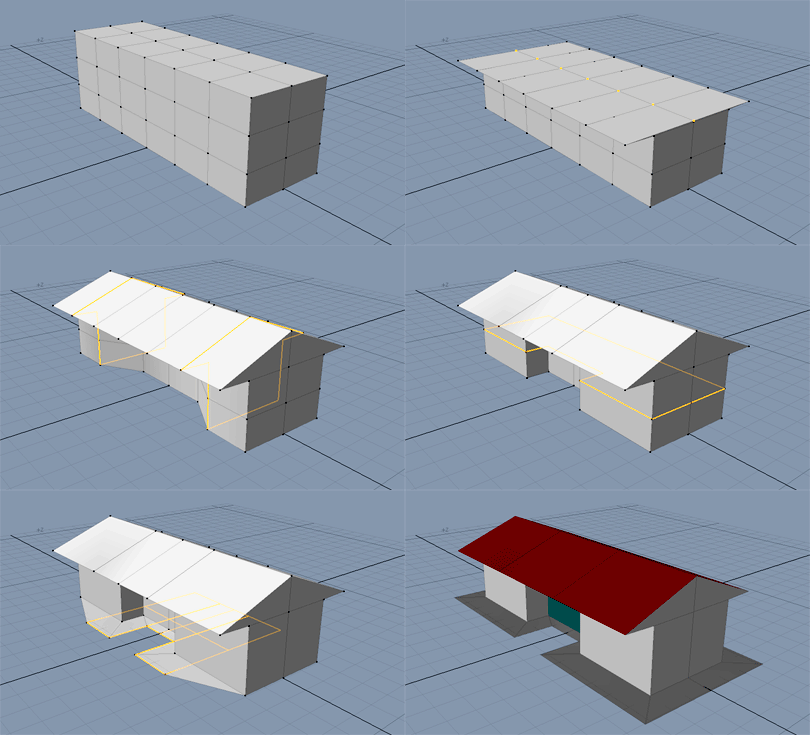
- Design a 3D Model – You can create your own with software like Tinkercad or Fusion 360. Alternatively, download pre-made files from platforms like Thingiverse or Cults3D.
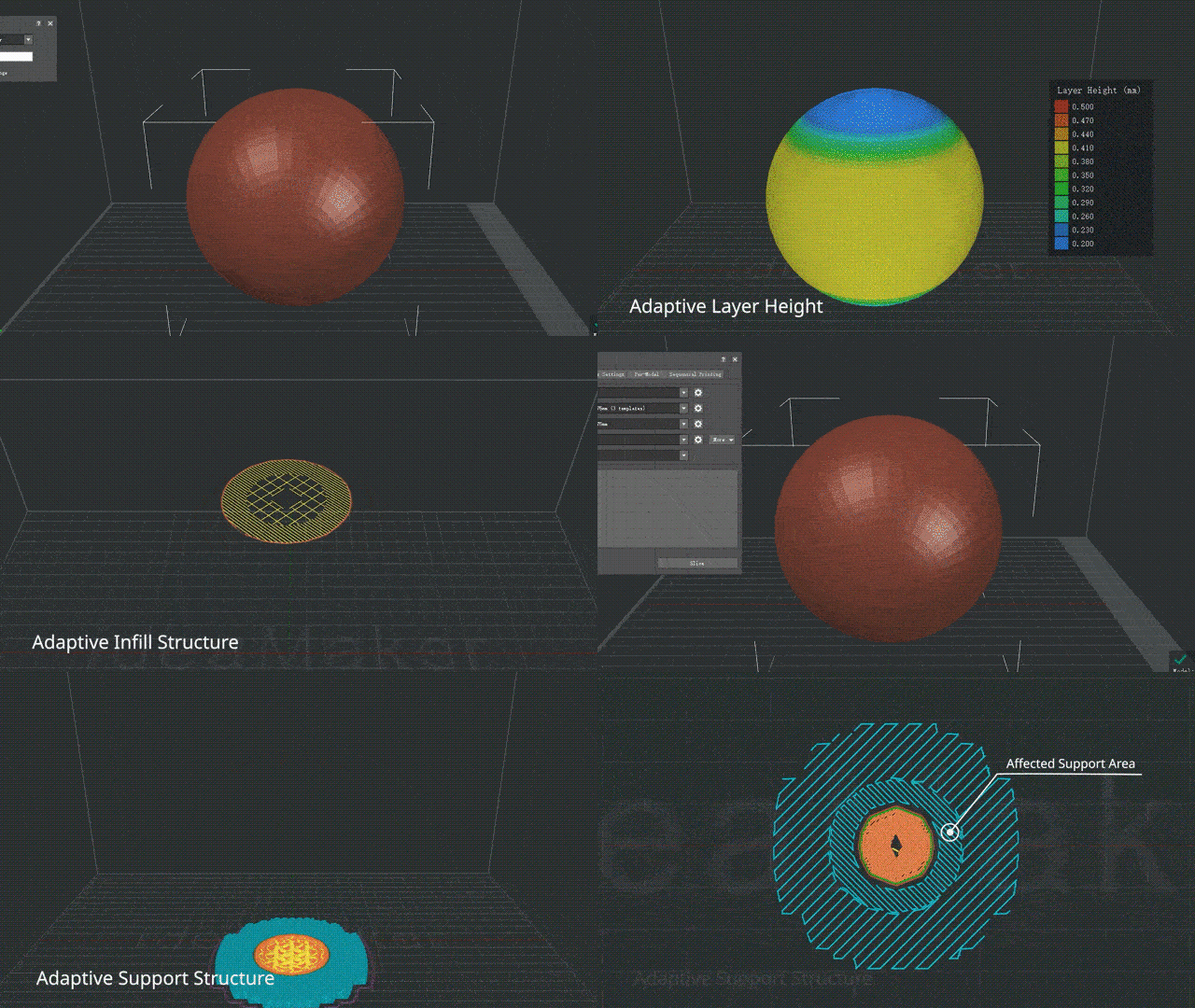
- Slice the Model – A slicer software (like Cura or PrusaSlicer) converts your model into layers. It also generates the instructions (G-code) the printer will follow.
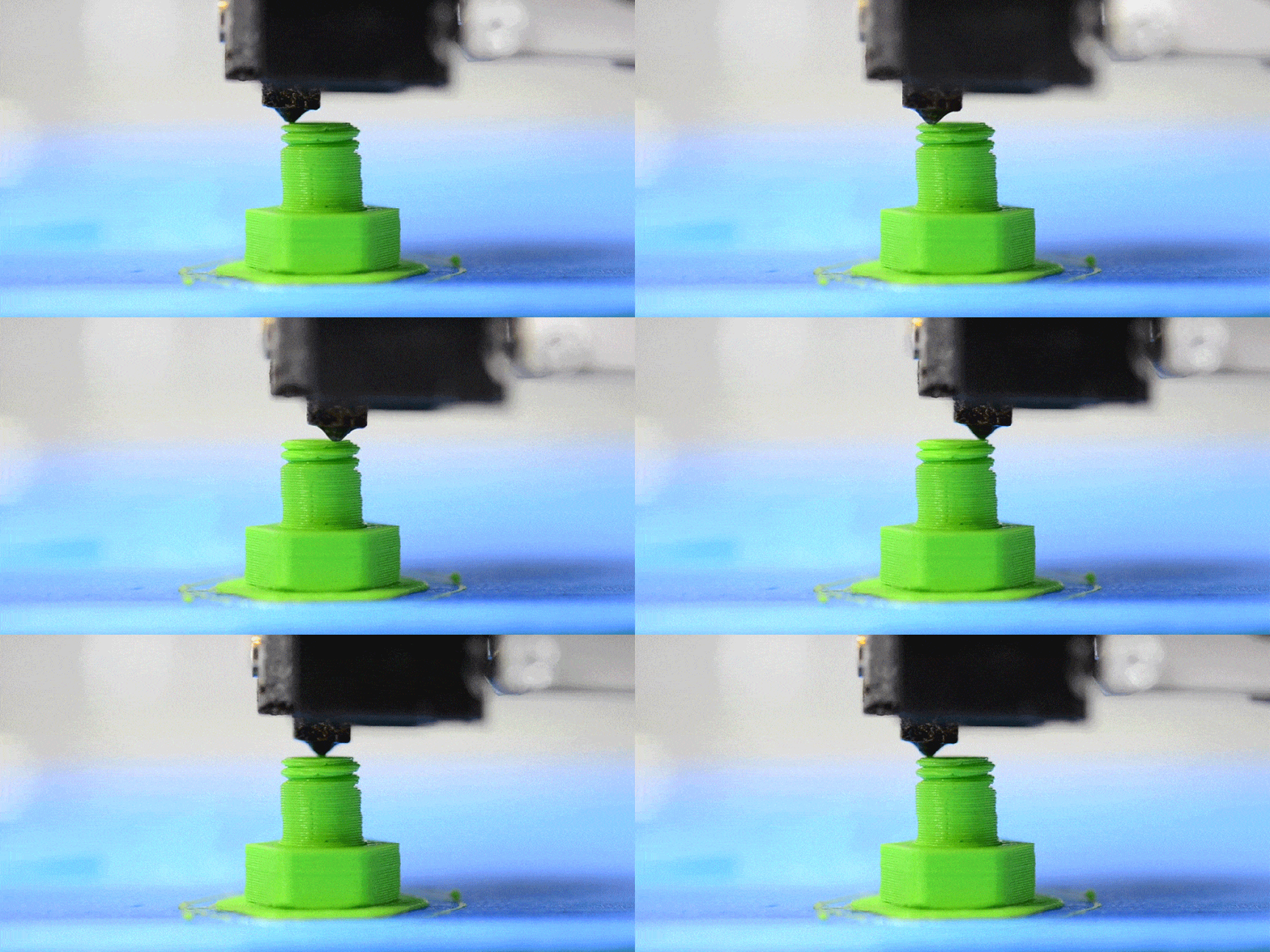
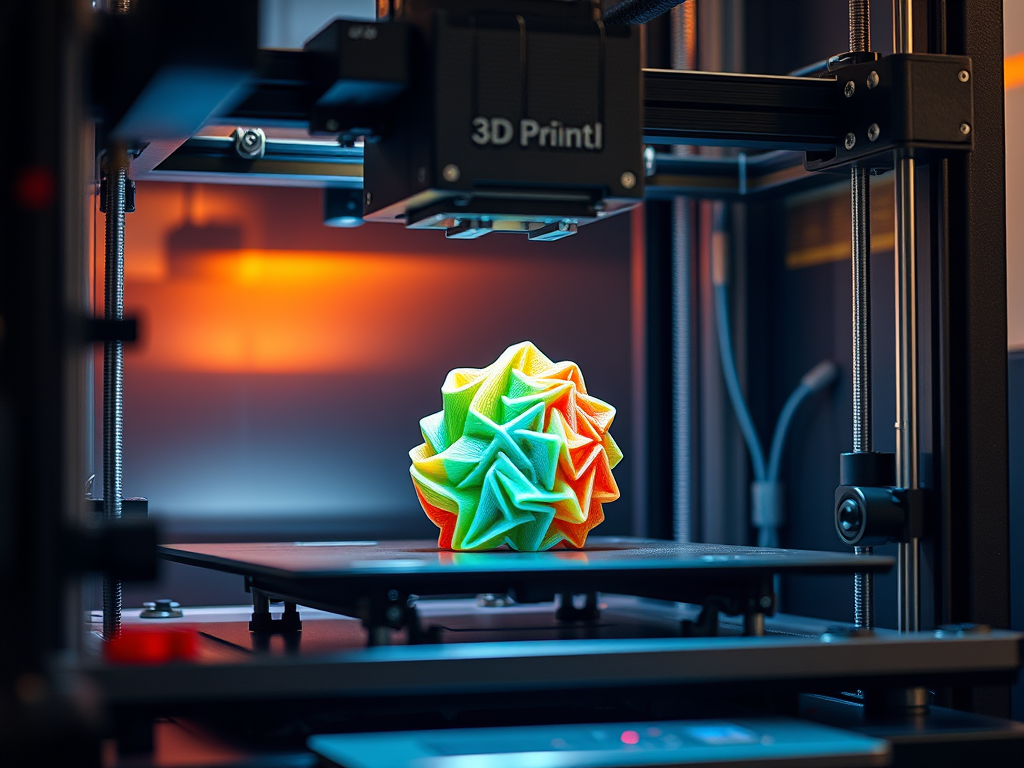
- Print the Object – The printer reads the G-code. It builds the object layer by layer using materials like PLA, ABS, or resin.
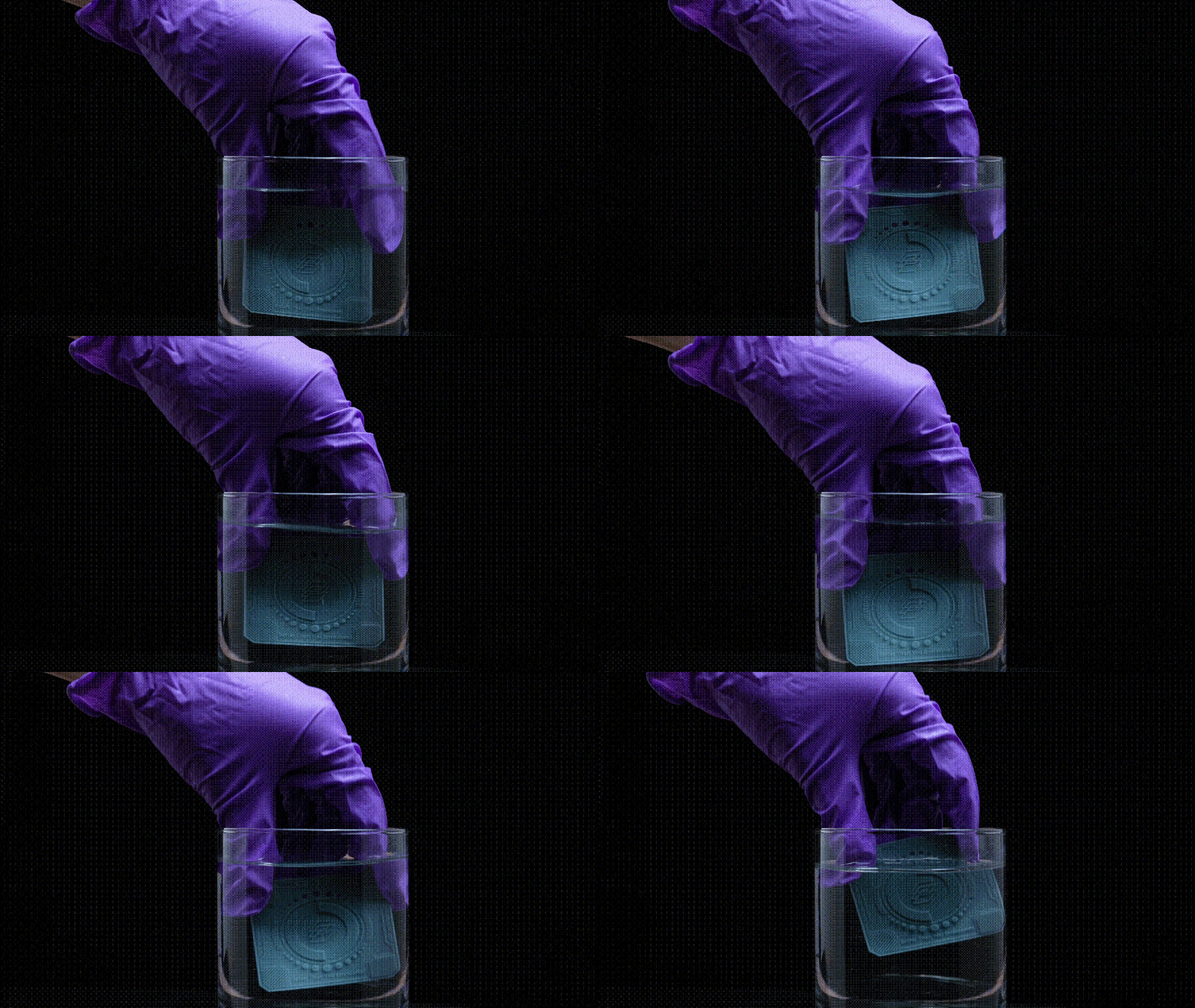
- Post-Processing – Some prints need cleaning, sanding, or curing depending on the material.
🧰 What Do You Need to Start 3D Printing?
“I started out with a Creality Ender 3. It’s not plug-and-play, but learning to tweak it taught me so much about how 3D printers really work.”
Here’s what I started with—and what you’ll need too:
- 3D Printer – I began with an entry-level FDM printer, which I still use for many projects.
- Filament – PLA was my go-to for its ease of use and affordability.
- Slicer Software – Ultimaker Cura was the first slicer I ever used. It helped me understand the importance of layer height. It also helped me realize the significance of print speed.
- Bed Adhesion Tools – Blue painter’s tape saved more prints than I’d like to admit in the early days
🧩 FAQs – What Do You Really Need to Start 3D Printing?
Q1: Do I need an expensive 3D printer to get started?
A: Not at all. Many beginners start with budget-friendly printers like the Ender 3 or Anycubic Kobra. They’re affordable, reliable, and perfect for learning the basics.
Q2: What filament should I use as a beginner?
A: Start with PLA. It’s easy to print, widely available, and doesn’t need a heated enclosure — ideal for learning.
Q3: Do I need a special computer or software?
A: No. Most slicing software (like Cura or PrusaSlicer) runs smoothly on regular laptops or desktops. And they’re free!
Q4: Is 3D printing safe to do at home?
A: Yes, but make sure to print in a well-ventilated space and avoid leaving your printer unattended for long periods.
Q5: How much space do I need for a 3D printer?
A: A small desk or dedicated corner is enough. Just make sure there’s airflow and room to remove prints safely.
Q6: What tools should I have on hand?
A: Basic ones: spatula for removing prints. You should have needle-nose pliers as well. You will need calipers for measuring. Also, keep a glue stick or hairspray for bed adhesion.
Tips I Wish I Knew Sooner
Don’t Rush the First Layer: It’s the foundation of everything. Take the time to calibrate.
- Embrace the Fails: One of my favorite models came after three failed prints—each one taught me something.
- Start Small: Your first successful print doesn’t need to be a masterpiece. A simple cube taught me more than any tutorial.
“For weeks, I struggled with stringing and poor adhesion—turns out, my bed wasn’t level. Now I check it every few prints. Lesson learned!”
🔄 Types of 3D Printing Technologies
- FDM (Fused Deposition Modeling): Most common and affordable, great for beginners.
- SLA/DLP (Resin Printing): High-detail prints, ideal for miniatures and prototypes.
- SLS, MJF, Metal Printing: Industrial-grade techniques used in aerospace, automotive, and healthcare.
🧠 Common 3D Printing Terms You Should Know
- STL file: The standard format for 3D models
- G-code: The language your printer understands
- Nozzle: The part of the printer that melts and extrudes plastic
- Layer height: The thickness of each printed layer
- Support structures: Temporary scaffolding used to print overhangs
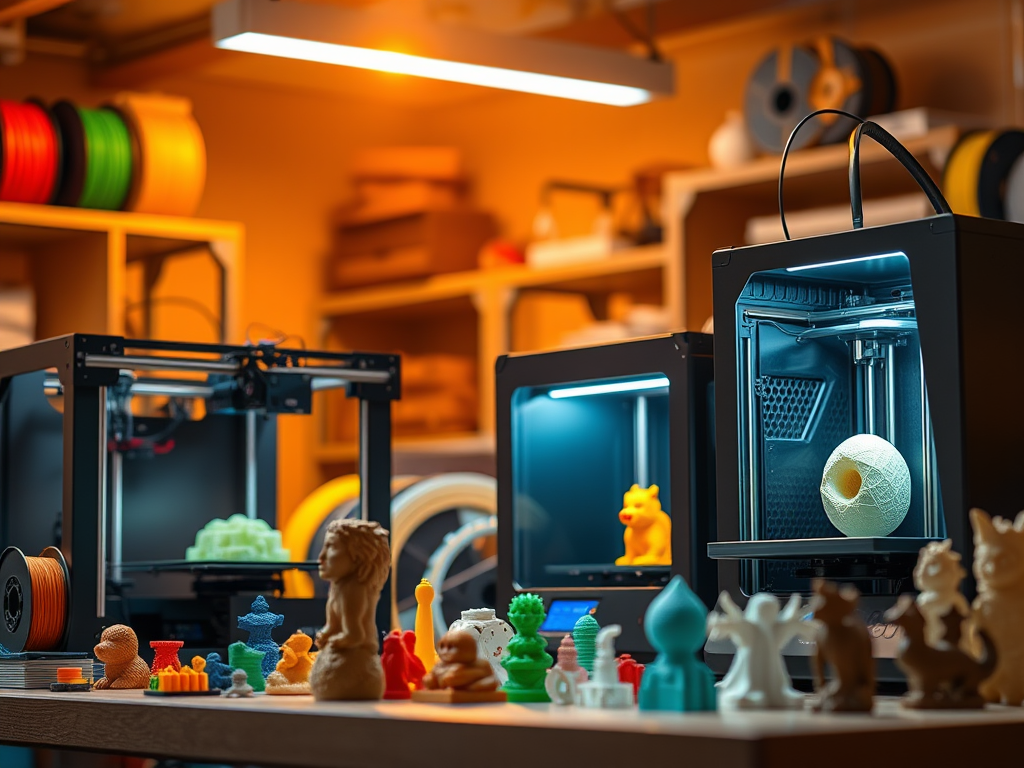
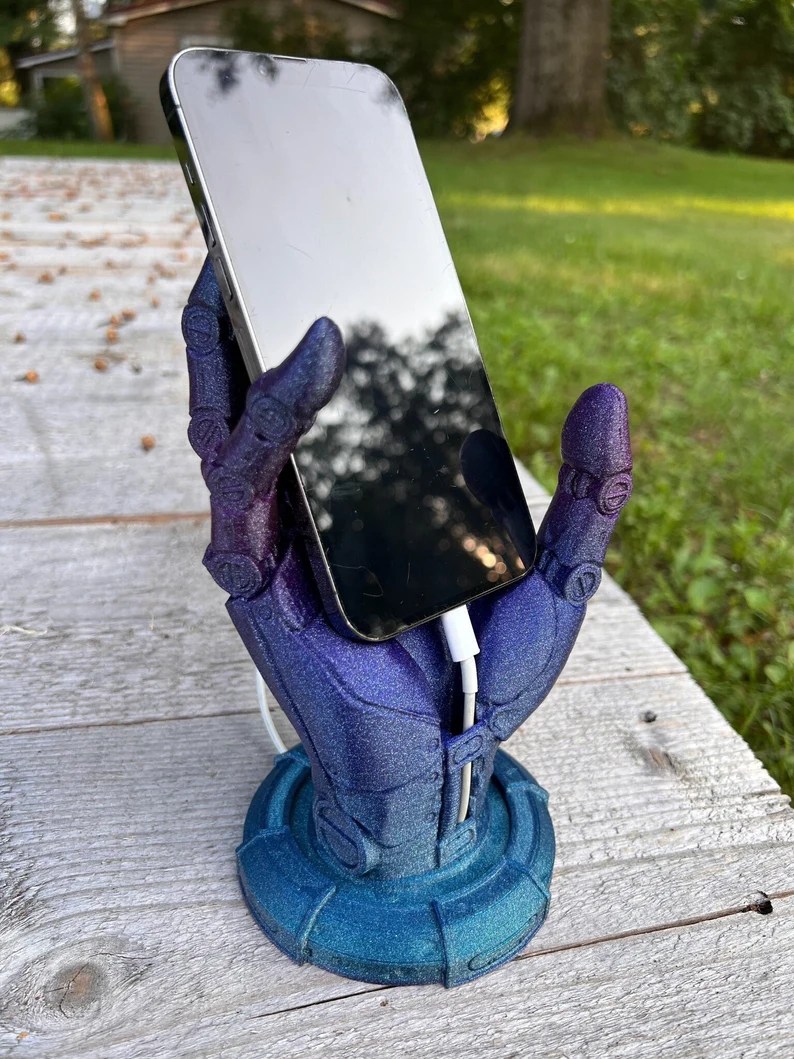
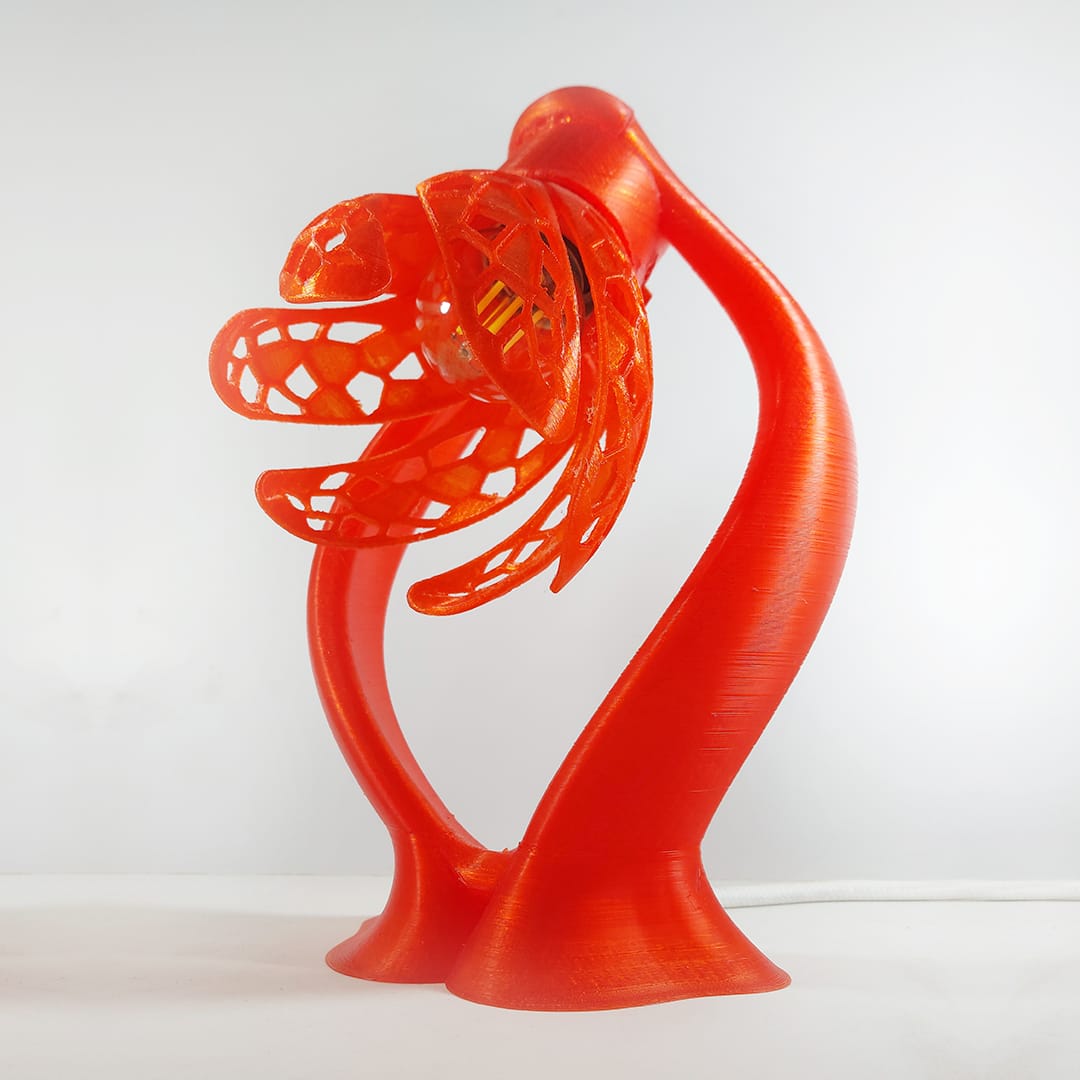
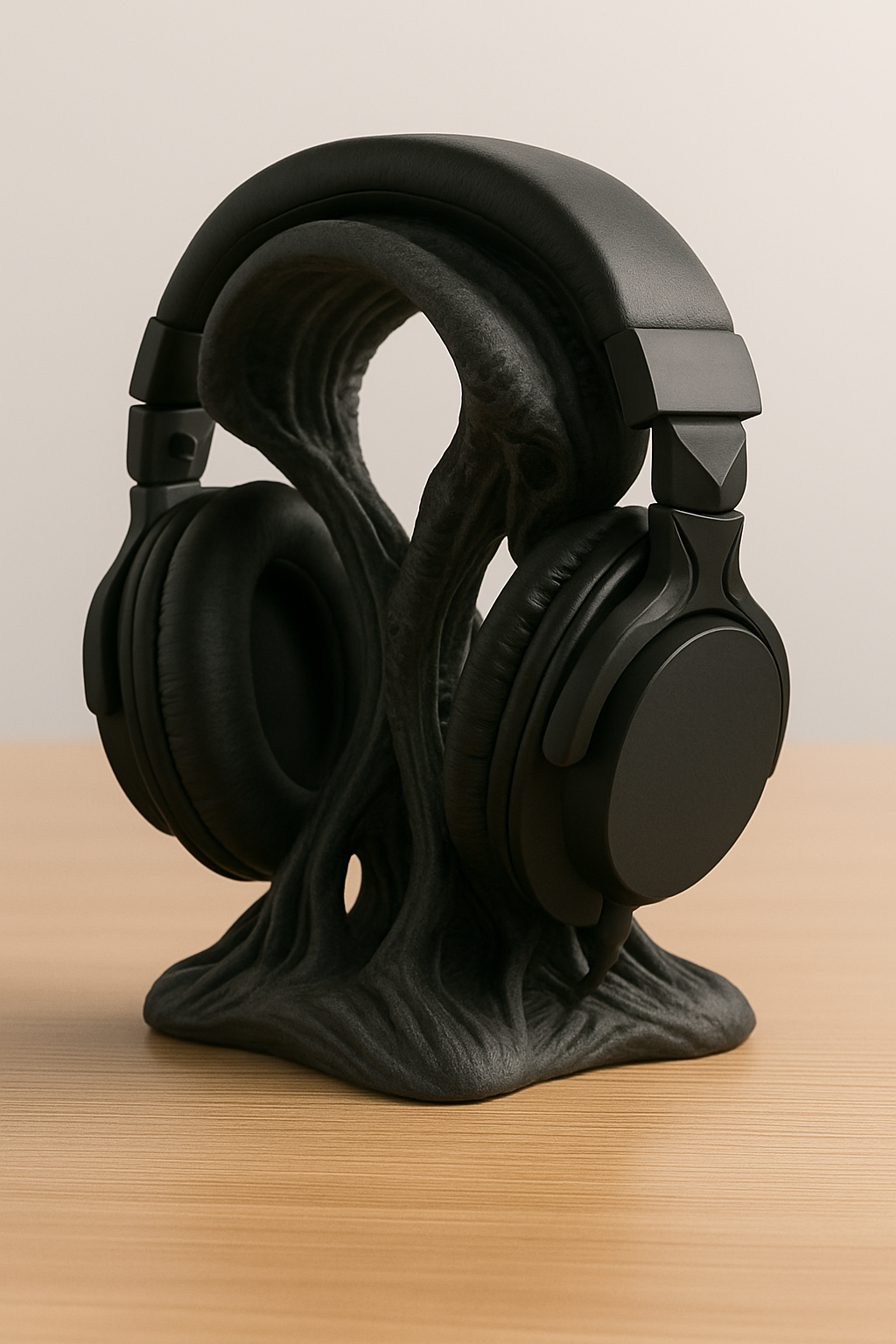
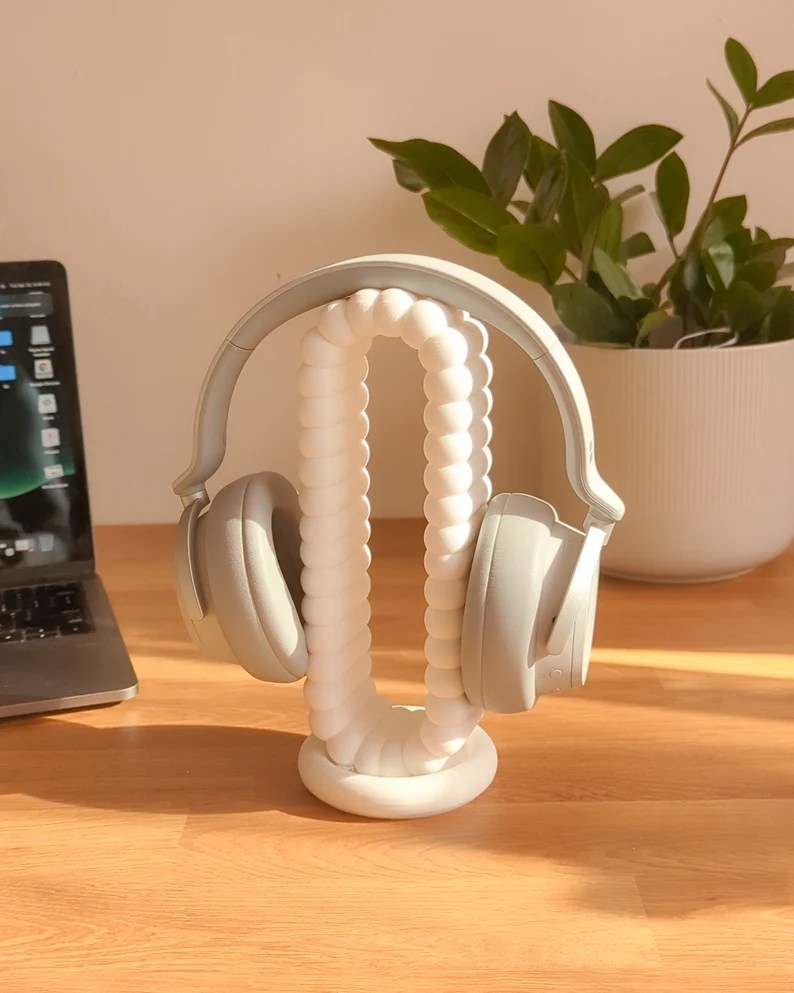
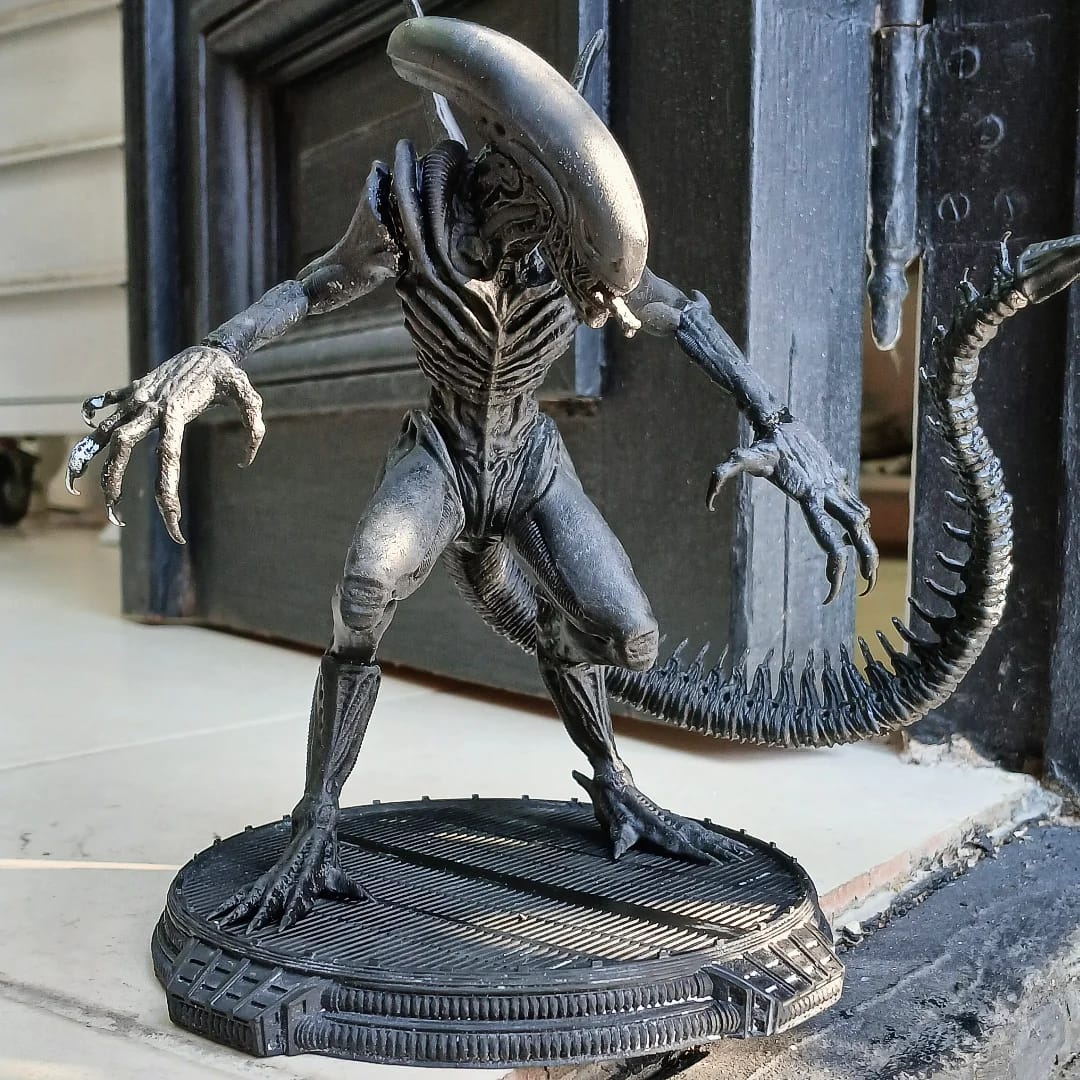
💡 What Can You Print?
Anything from:
- Phone stands
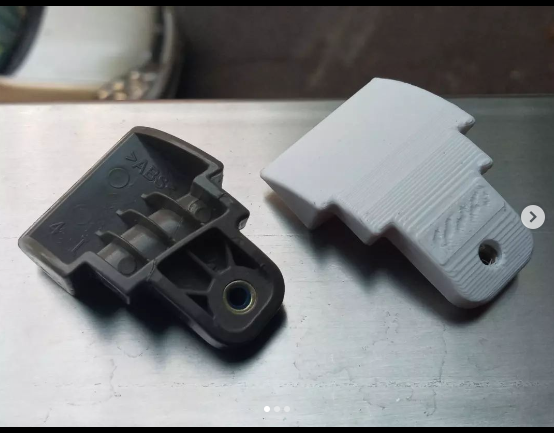
- Replacement parts
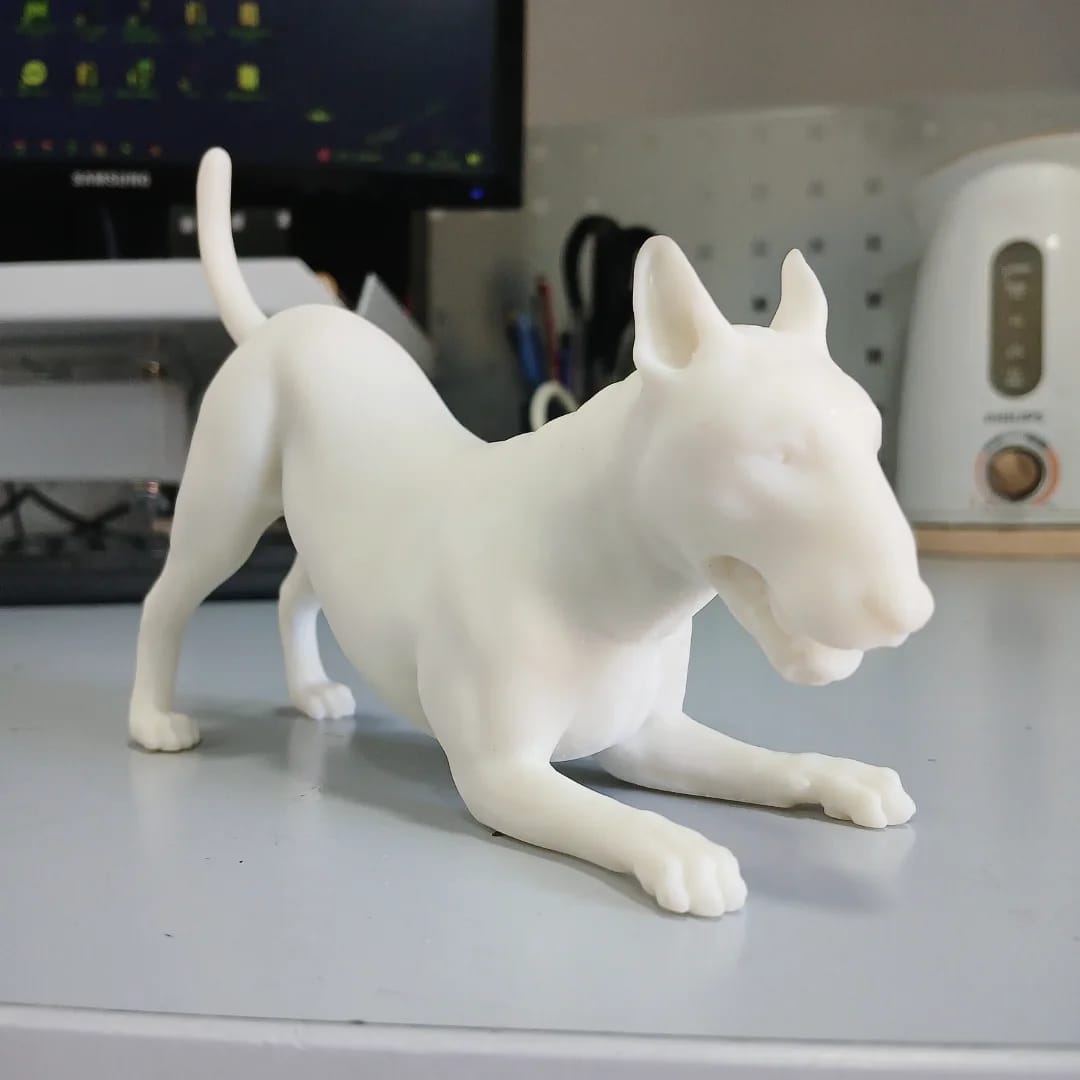
- Miniatures and toys
- Custom tools
- Jewelry
- Prototypes for inventions
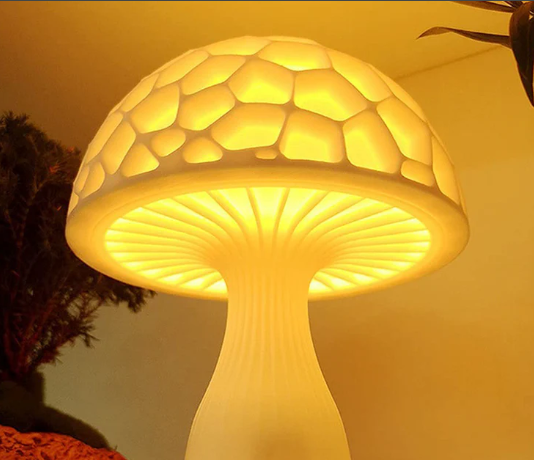
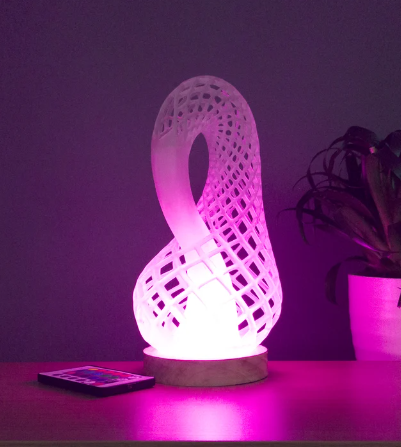
Your imagination is the only limit.



Community Resources
If you’re feeling stuck, you’re not alone. I learned a lot from YouTube channels like “3D Printing Nerd” and Reddit communities like r/3Dprinting. Sharing mistakes and asking for help is part of the process.
“YouTube channels like ‘Teaching Tech’ were game changers. His step-by-step calibration guides helped me dial in my printer faster than anything else.”
Want to print your first model today? Start with something simple and tag me on Instagram—I’d love to see what you create!
✅ Is 3D Printing Worth It?
Absolutely. 3D printing opens doors to creativity, self-reliance, and even side income. Once you get past the learning curve, it becomes an empowering and rewarding hobby—or even a business.
🔎 Final Thoughts
3D printing is transforming how we create and innovate. Whether you’re just curious or ready to dive deep, this beginner’s guide is just the start. Stick around 3DPRINTIPS for more tutorials, product reviews, troubleshooting guides, and printing hacks to help you print smarter.
👉 Want to start printing today? Check out our guide on The Best 3D Printers for Beginners in 2025

Leave a comment