Thinking of starting your journey in 3D printing this year? Whether you’re a hobbyist or a maker, picking the right printer is the first big step. This guide will help you choose the best beginner-friendly printers in 2025. It starts with filament (FDM) printers. Then it explores resin (SLA/MSLA) options.
🏗️ FDM (Filament) 3D Printers
FDM printers are the most common way to start 3D printing. They are accessible, making them an ideal choice for beginners. They are great for hobbyists alike.
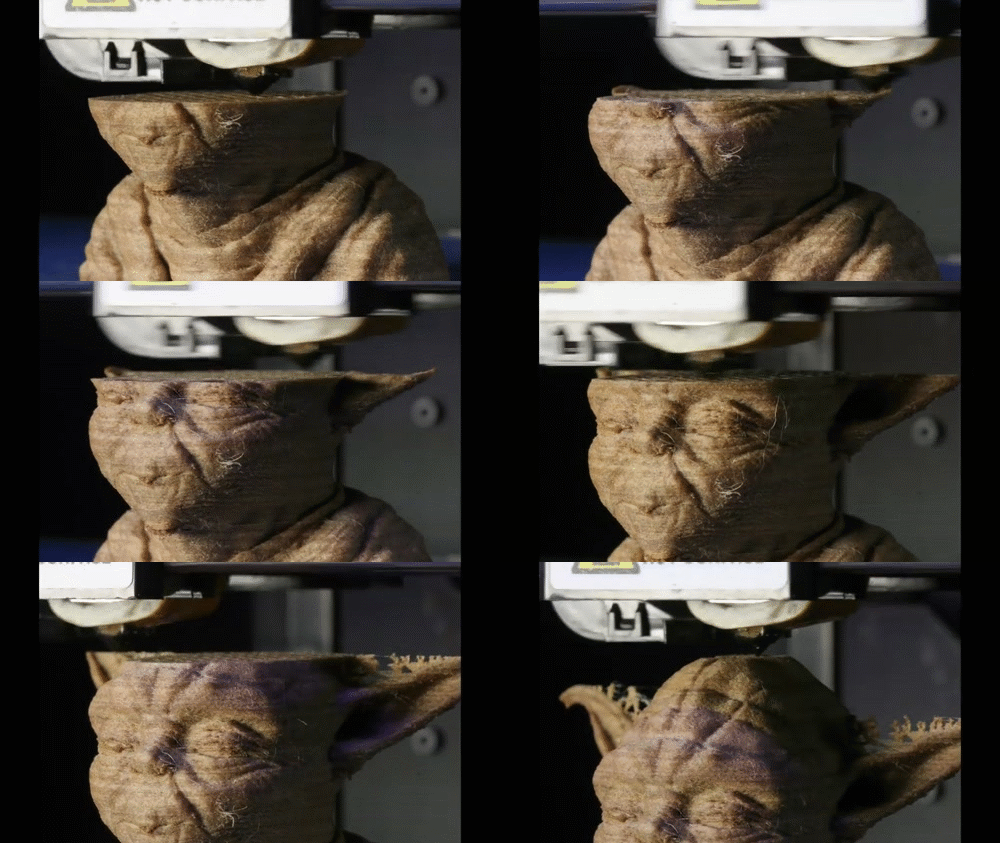
They use plastic filament, like PLA or PETG, to meticulously build objects. This process is done layer by layer through an additive manufacturing process. This method allows for a great deal of creativity. Users can design and change their 3D models using various software tools. They do this before transferring the designs to the printer. FDM printers are becoming more affordable.
This affordability allows more people to access the technology. They can create everything from intricate prototypes to practical tools and decorative items. This expansion broadens the possibilities of 3D printing in everyday life.
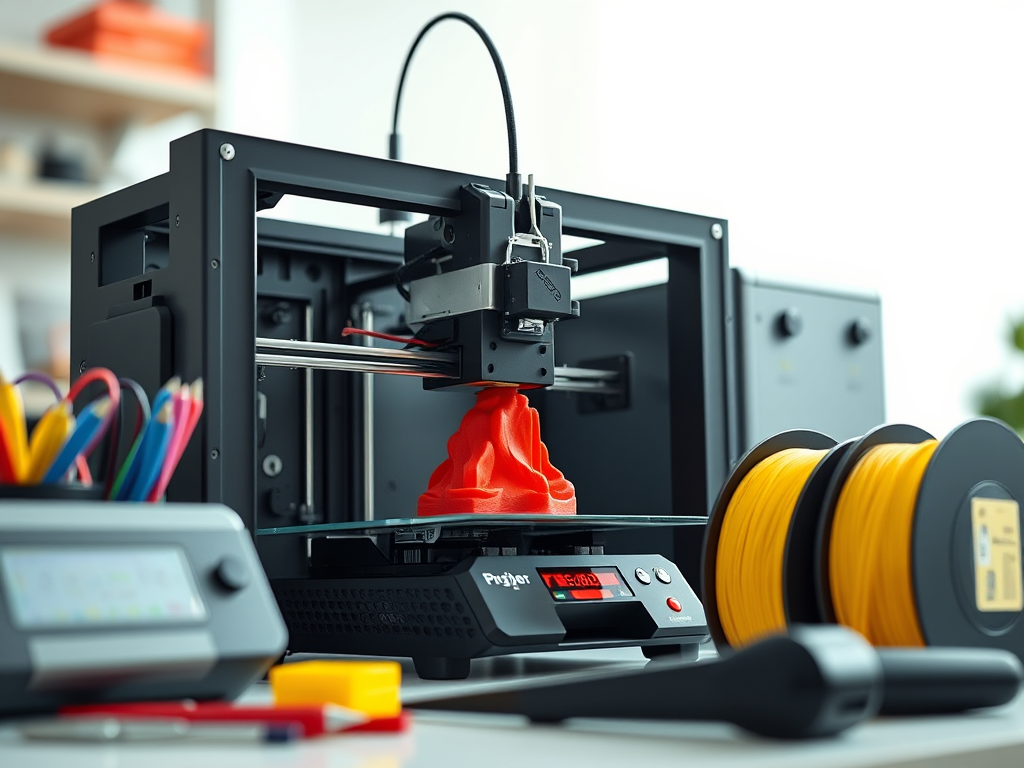
1. Creality Ender 3 V3 SE
- Price Range: $180–$250 Check the current price on Amazon
- Pros:
✅ Very affordable
✅ Massive online community & support
✅ Easy to upgrade and change - Cons:
❌ Manual bed leveling (unless you upgrade)
❌ No enclosure (can be a problem for certain filaments) - Why it’s great: It’s a proven workhorse. Perfect to learn, fail, fix, and grow.
- Personal tip: Spend a little more and get auto-bed leveling—it saves hours.

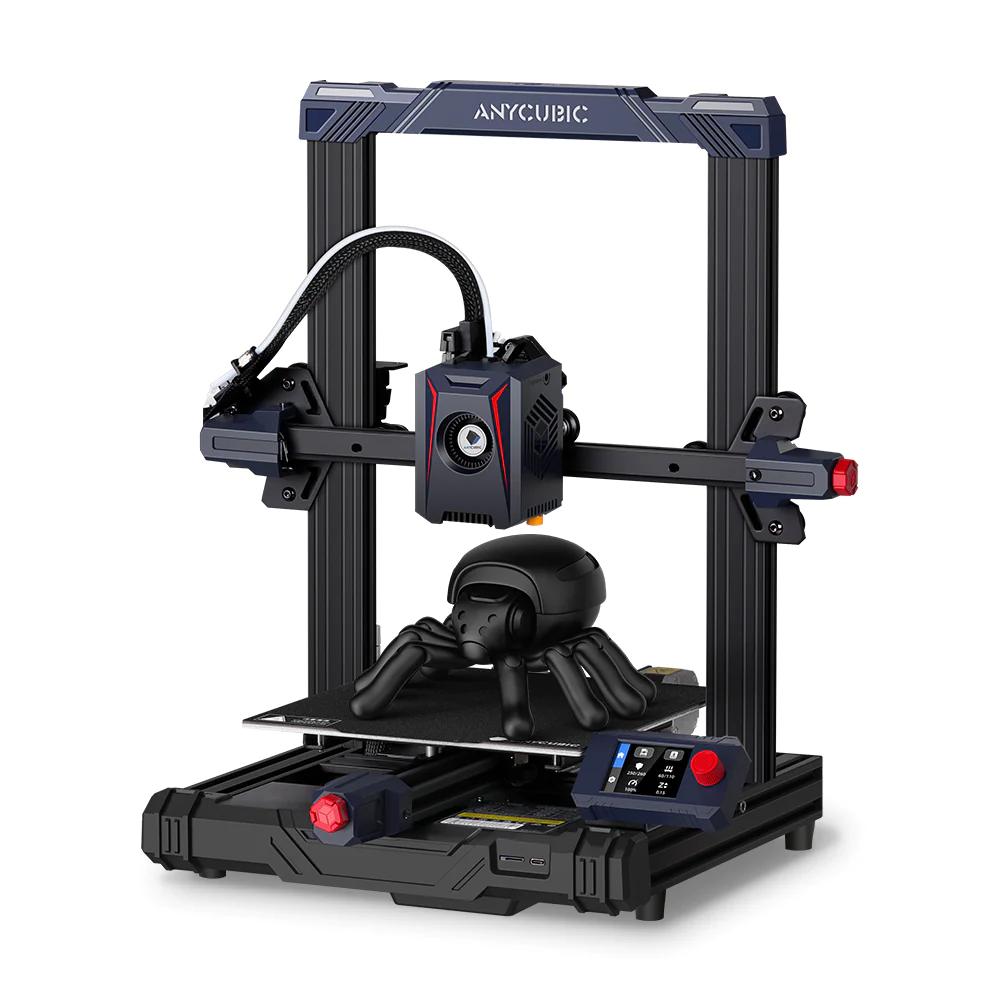
2. Anycubic Kobra 2 Neo
- Price Range: $220–$280
- Pros:
✅ Fast printing speed (compared to other budget printers)
✅ Direct drive extruder—good for flexible filaments
✅ Auto-leveling included - Cons:
❌ Slightly noisier than others
❌ Not as customizable as the Ender 3 - Why it’s great: Smooth out-of-the-box experience and high-quality prints.
- Personal tip: Update the firmware as soon as you get it—it improves performance.
3. Bambu Lab A1 Mini (Combo with AMS Lite)
- Price Range: $299–$349 Check the current price on Amazon
- Pros:
✅ Multicolor printing (with AMS)
✅ Fully enclosed system with great safety features
✅ Fast, reliable, and super quiet - Cons:
❌ Not very open-source
❌ Slight learning curve with multicolor management - Why it’s great: If you’re looking for premium experience without the premium price.
- Personal tip: Take time to calibrate your filament profiles—it pays off in print quality.
🧪 Resin 3D Printers (MSLA)
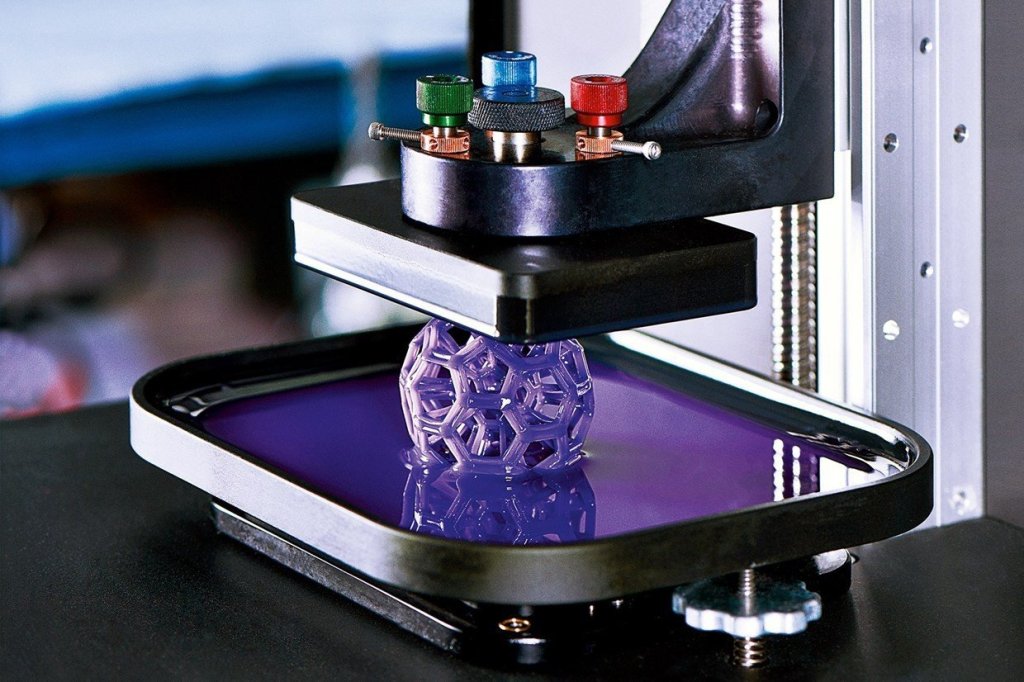
Resin 3D printers, also known as SLA or MSLA printers, are ideal for creating highly detailed models with smooth surfaces. Unlike FDM printers, which use melted plastic filament, resin printers cure liquid resin layer by layer using UV light. This makes them perfect for miniatures, jewelry, dental models, and other precision applications.
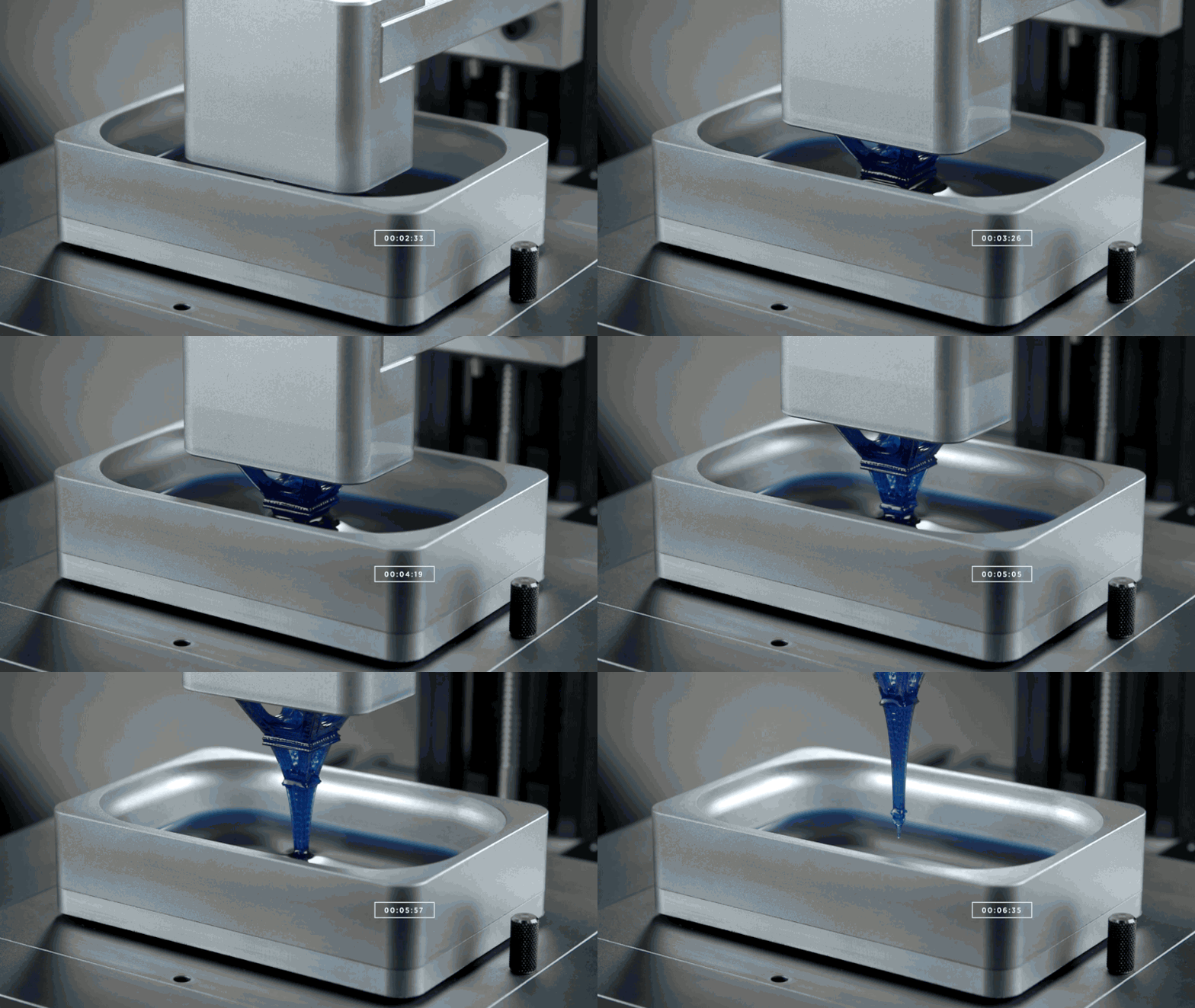
While they need more post-processing—like washing, curing, and handling resins safely—the level of detail they achieve is unmatched. The workflow involves several steps. First, the model is sliced. Then it is printed with liquid resin. Next, the parts are cleaned in isopropyl alcohol. Finally, they are cured under UV light for full strength.
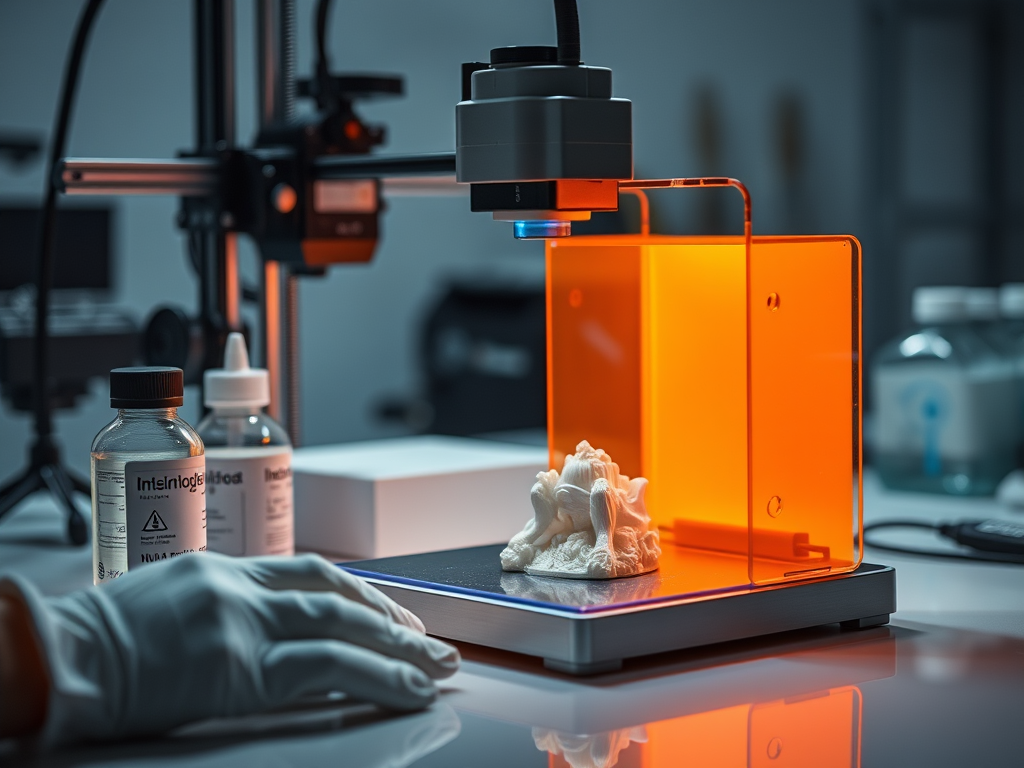
Resin printing has become much more accessible in recent years. This is thanks to affordable desktop machines. These machines bring professional-level detail to hobbyists and small businesses alike.
🔍 Basic Differences
| Feature | Filament (FDM) | Resin (SLA/MSLA) |
|---|---|---|
| Material | Thermoplastic filament (PLA, PETG, etc.) | Liquid photopolymer resin |
| Print Method | Melts filament and extrudes it layer by layer | UV light cures resin layer by layer |
| Setup Environment | Open air (usually) | Needs ventilation, gloves, alcohol |
| Messiness | Low (mostly dry process) | High (resin is toxic, sticky, smelly) |
| Detail Level | Medium to good | Extremely high, great for miniatures |
| Strength | Tough and functional | Brittle (depending on resin type) |
🧱 FDM (Filament) Pros and Cons
Pros:
✅ Cheaper upfront and in materials
✅ Easier to learn and maintain
✅ Great for functional parts, tools, large prints
✅ Safer and cleaner for home use
Cons:
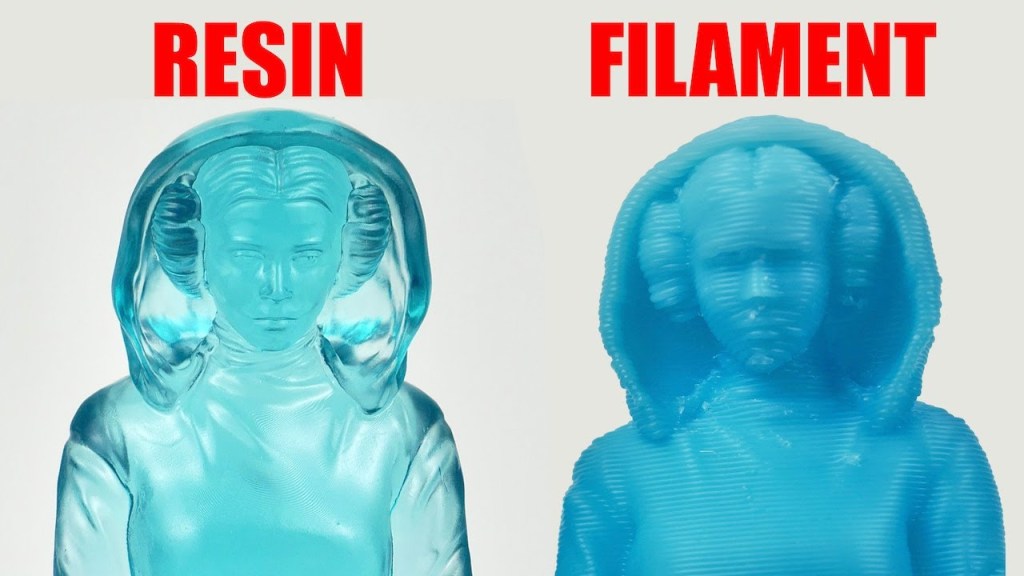
❌ Visible layer lines
❌ Less detail on small prints
❌ Longer print times for fine quality
Best for: Cosplay props, mechanical parts, practical objects, prototyping.
Personal tip: If you want fast, low-maintenance printing at home, FDM is the way to go.
🧪 Resin (SLA/MSLA) Pros and Cons
Pros:
✅ Incredible fine detail
✅ Smooth surfaces
✅ Ideal for figurines, dental models, jewelry molds
Cons:
❌ More expensive materials
❌ Requires post-processing (washing + curing)
❌ Needs good ventilation + safety gear
Best for: Miniatures, figurines, show models, ultra-precise parts.
Personal tip: Resin printing is worth it if you need top-tier detail and don’t mind the mess.
💰 Cost Comparison
| Item | FDM Printer | Resin Printer |
|---|---|---|
| Entry-Level Printer | $180–$300 | $180–$350 |
| Material (1kg) | $20–$30 | $35–$50 |
| Accessories Needed | Basic tools | Wash & cure kit, gloves, IPA |
| Maintenance | Low | Medium to high |
Personal advice: Even though resin printers are affordable now, the extra gear and resin cost add up. If budget matters, go filament first.
If you’re ready to move beyond FDM printing, consider resin printing. It’s perfect for ultra-detailed miniatures, props, or jewelry. Resin printing is an incredible next step.
It does need more post-processing. Careful handling is necessary. Nevertheless, the results are stunning — smooth surfaces, razor-sharp details, and virtually invisible layer lines.
Below are the best beginner-friendly resin printers for 2025. They have been carefully chosen for their balance of price, ease of use, and quality.
1. Elegoo Mars 5 Ultra
- Price Range: $180–$280 Check the current price on Amazon
- Pros:
✅ Incredible detail, even on small parts
✅ Improved screen life and faster printing
✅ Touchscreen and Wi-Fi connectivity - Cons:
❌ Resin is messy and needs careful handling
❌ You’ll need to post-process (washing & curing) - Why it’s great: Fantastic value for the amount of detail you get.
- Personal tip: Use low-odor resins and print near a window with good airflow.
- [Link to resin safety guide]

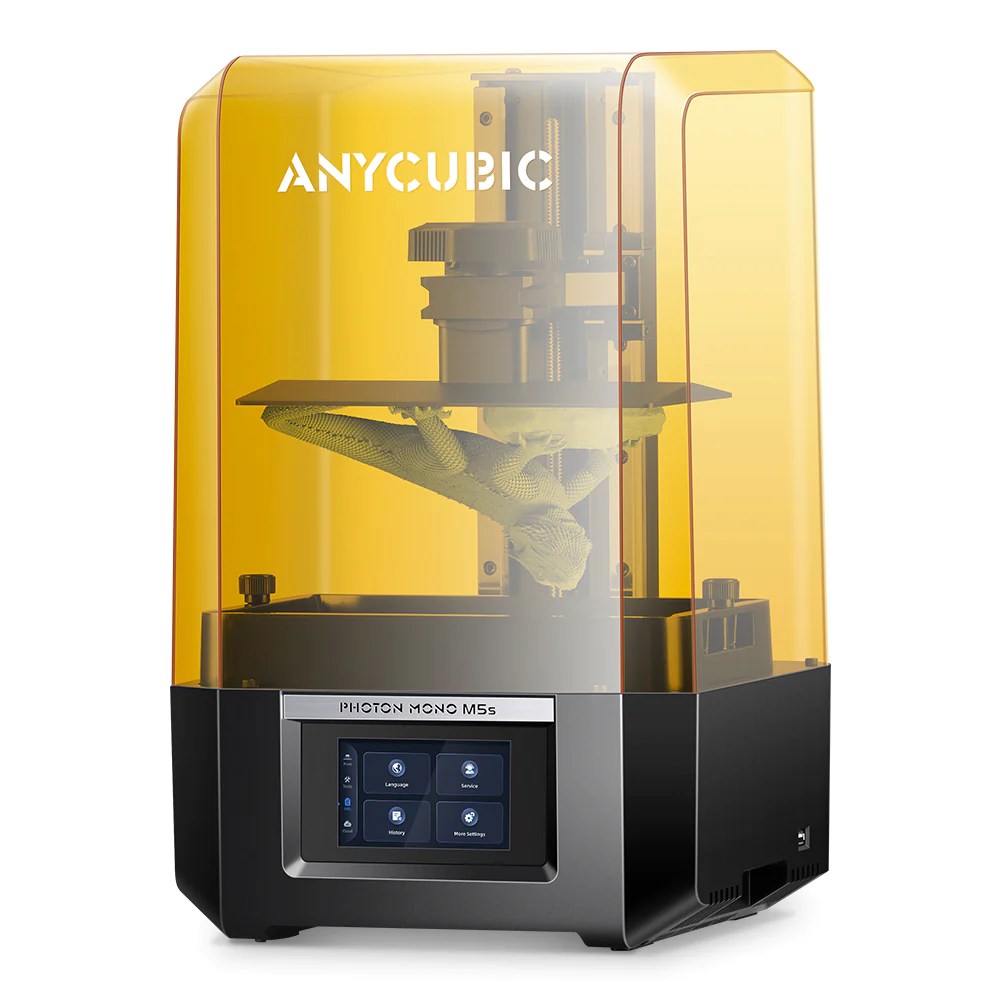
2. Anycubic Photon Mono M5s
- Price Range: $280–$330 Check the current price on Amazon
- Pros:
✅ 12K resolution—perfect for ultra-fine prints
✅ Smart features like automatic leveling & jam detection
✅ Solid ecosystem with compatible wash/curing stations - Cons:
❌ Requires Anycubic software (not 100% open)
❌ More expensive resin needed to match printer’s capabilities - Why it’s great: A great long-term investment if you want serious detail.
- Personal tip: Keep your build plate clean between prints—it matters more than you think.
- [Link to post-processing tutorial]
3. Creality Halot One Plus
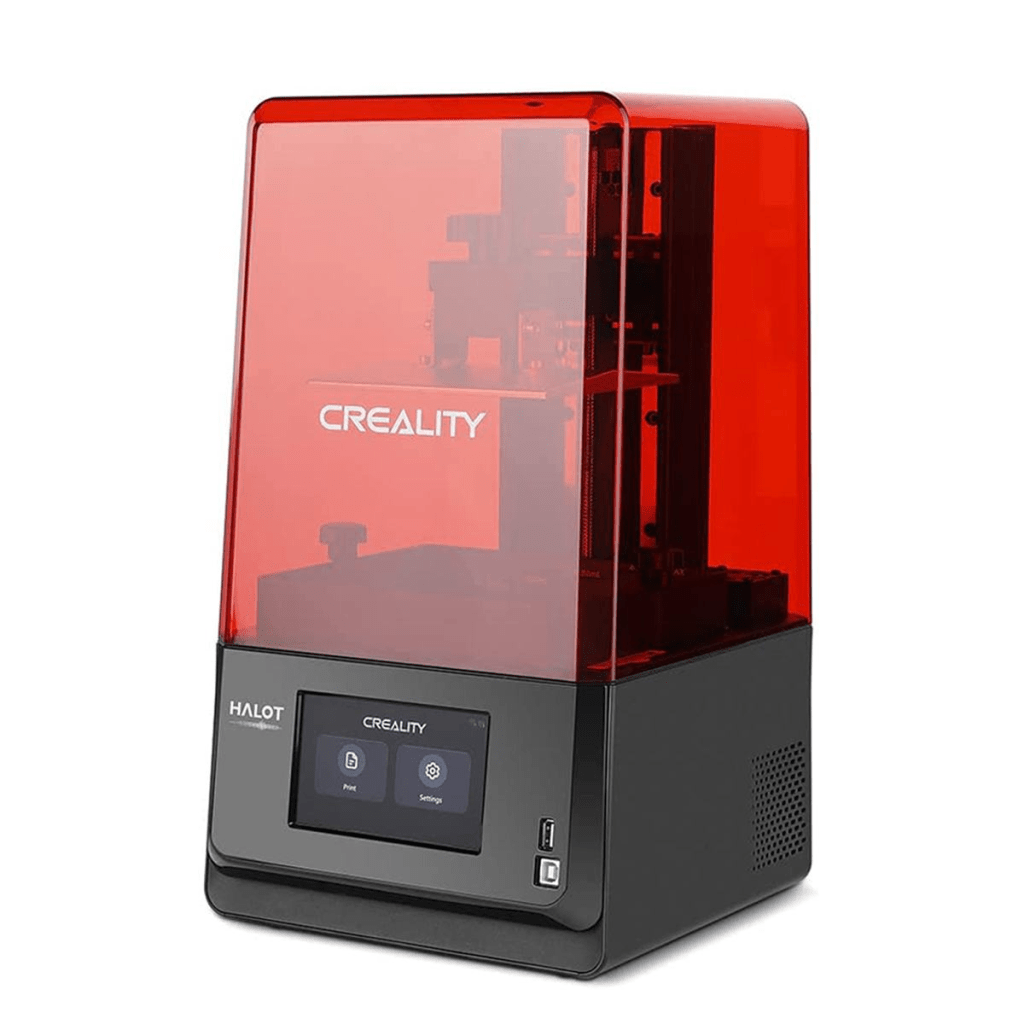
Best beginner-friendly resin printer
- Resolution: 4K monochrome LCD
- Build Volume: 172 × 102 × 160 mm
- Why it’s great: Extremely easy to set up, with Wi-Fi control and reliable print performance. Ideal for FDM users moving into resin printing.
Pros: Simple UI, consistent quality, compact footprint.
Cons: Smaller resin vat than competitors.
4. Phrozen Sonic Mini 8K

Best high-resolution resin printer
- Resolution: 8K LCD with 22 µm pixel size
- Build Volume: 165 × 72 × 180 mm
- Why it’s great: Incredibly detailed prints with near-invisible layer lines. Perfect for jewelry, small figurines, and precision prototypes.
Pros: Unmatched detail, fast exposure times, strong community.
Cons: Slightly higher cost, smaller build area.
5. Prusa SL1S Speed
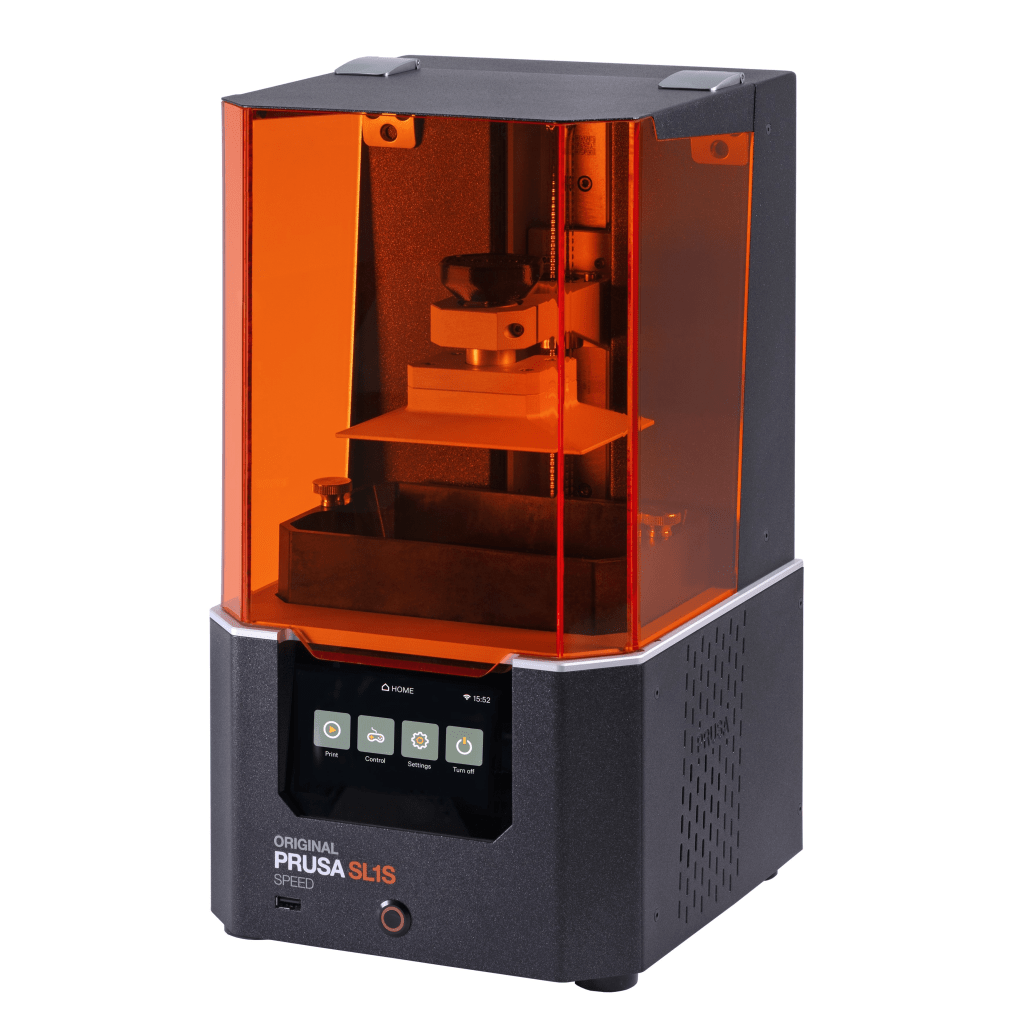
Best premium beginner resin printer
- Resolution: 2560 × 1620 pixels
- Build Volume: 127 × 80 × 150 mm
- Why it’s great: Built for reliability and speed, with outstanding documentation and customer support from Prusa.
Pros: Exceptional quality, network-ready, excellent ecosystem.
Cons: Higher price, smaller print area.
💡 Pro Tip
If you’re just getting started with resin 3D printing, a few accessories will make your life way easier:
- 99% Isopropyl Alcohol (IPA) – essential for cleaning prints
- Nitrile gloves and a silicone mat – protect your workspace
- UV curing light or station – to fully harden your prints
- Plastic scraper and soft brushes – for easy cleanup
👉 Want to learn how to get those perfect, glossy finishes?
Check out my full guide:
📘 How to Post-Process Resin Prints Like a Pro (2025)
🧠 Quick Tips Before You Buy
- Don’t just go by specs—read real user experiences.
- Join online communities like Reddit’s r/3Dprinting or [Printables.com forums].
- Budget for extras: tools, spare nozzles, resin/filament, safety gear. Best Tools for 3D Print Post-Processing
There’s no one-size-fits-all answer—both technologies are awesome, and many makers eventually use both.
Start with what fits your budget, space, and goals. You can always expand later.
Still not sure? Read our Beginner’s Setup Guide
⚠️ Common Beginner Mistakes (and How to Avoid Them)
Getting into 3D printing—whether FDM or resin—comes with a learning curve. Here are some of the most common mistakes beginners make, and how you can avoid them:
🧱 FDM Printing Mistakes
1. Skipping bed leveling.
Even a slightly uneven bed can make your first layer fail. Always check your bed level and Z-offset before each major print, especially after moving your printer.
2. Printing too fast or too hot.
High speed and temperature can cause stringing, blobs, and warping. Start slow and use the temperature tower test to fine-tune your settings.
3. Using cheap or old filament.
Moisture and poor-quality spools lead to clogs and rough surfaces. Store filament in sealed bags with desiccant, and use reliable brands (I recommend Hatchbox, Sunlu, or Elegoo).
4. Ignoring maintenance.
Loose belts, dirty nozzles, or worn PTFE tubes are silent print killers. Regular maintenance every few weeks will keep your machine running like new.
5. Over-supporting your prints.
Too many or too-strong supports make cleanup a nightmare. Learn how to optimize support settings — we cover this in detail in our Support Settings Guide.
🧪 Resin Printing Mistakes
1. Skipping safety gear.
Resin is toxic in liquid form. Always wear nitrile gloves, work in a well-ventilated area, and avoid skin contact.
2. Incomplete washing or curing.
If your prints stay tacky or fragile, you probably under-cured or didn’t wash them properly. Use fresh isopropyl alcohol (IPA 95% or higher) and a UV curing station for the best results.
3. Overexposure or underexposure.
Exposure time is key. Overexposed layers lose fine detail; underexposed ones become brittle. Run an exposure calibration test for each resin brand.
4. Not filtering resin between prints.
Hardened resin chunks floating in your vat can ruin new prints or damage your FEP film. Use a fine metal or paper filter every few prints.
5. Forgetting to clean the FEP film and LCD screen.
Even thin resin residue can distort curing. Keep these parts spotless to preserve detail and avoid print failures.
Learning these lessons early will save you hours of frustration, resin, and filament. These lessons will help you enjoy smoother prints much faster. For a deeper dive into fixing typical print issues, check out our Full Post-Processing Guide for Resin Printing. Also, explore our Top Tools for 3D Print Finishing.
🛍️ Where to Buy
Most of these models are available on Amazon, Creality’s or Anycubic’s official stores, and local resellers. Always check for bundle deals or flash sales.
Disclaimer: As an Amazon Associate I earn from qualifying purchases. I get a small commission if you buy through the links on this page. This comes at no extra cost to you.


Leave a comment