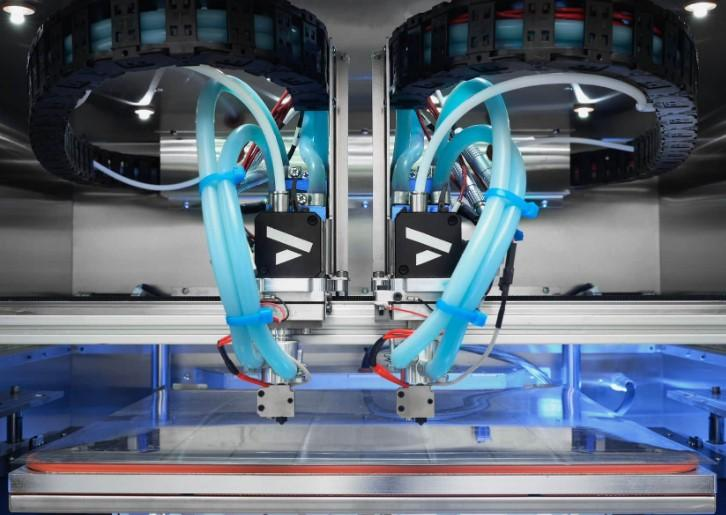
Getting deeper into 3D printing often means one thing: modding your printer.
And let’s be honest — not every upgrade out there is worth your money or time.
Over the years, I’ve tested dozens of mods and accessories, from cheap add-ons to full mechanical overhauls. Some made almost no difference… but the ones below? They genuinely changed the game.
Here are the 10 upgrades that actually improve print quality, reliability, and your overall experience — all tested hands-on.
1. PEI Build Plate
A good print starts with great bed adhesion, and nothing beats a PEI build plate. It grabs your first layer beautifully while hot. Once cooled, it releases parts effortlessly. There’s no need for glue sticks or endless scraping.
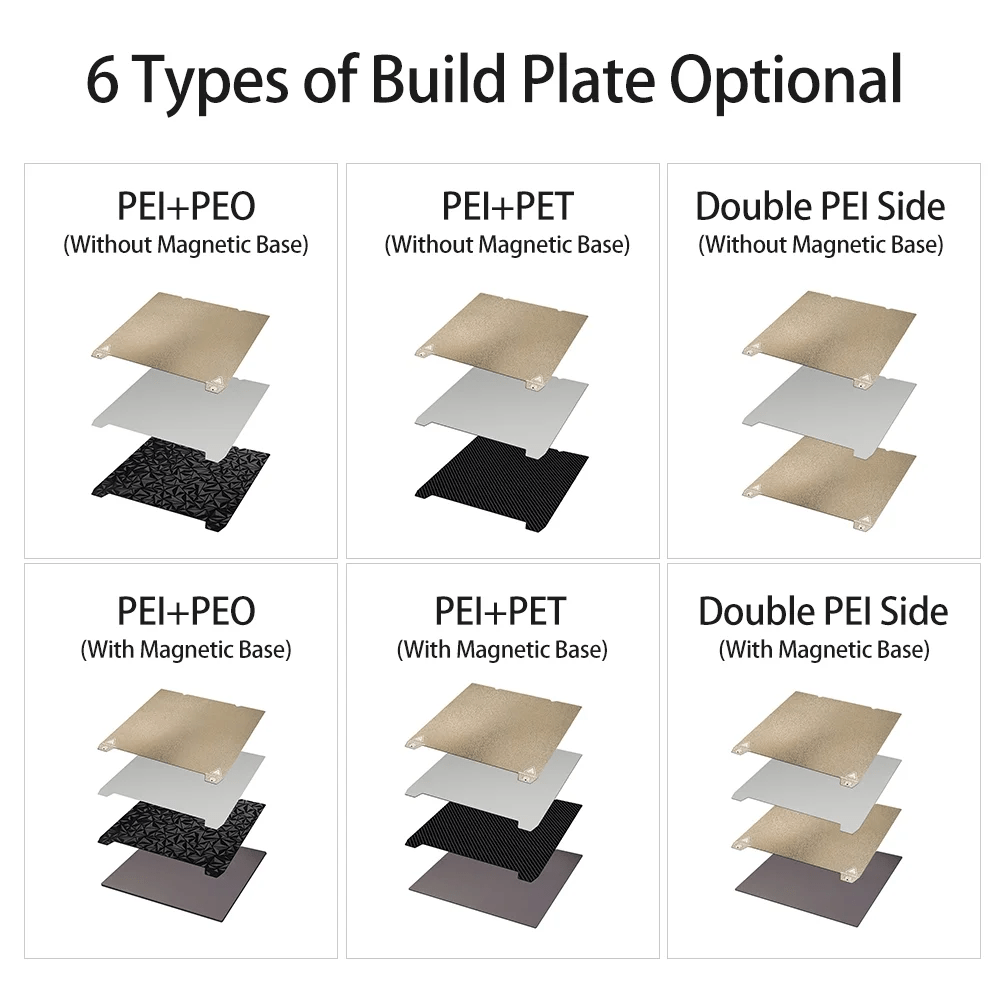
I’ve used both smooth and textured PEI sheets. Both outperform the stock glass or magnetic plates that come with most printers. They also last for months with minimal maintenance.
My Recommended PEI Plates on Amazon
- Wham Bam Flexible Build System – the gold standard for durability and adhesion.
- Creality PEI Spring Steel Plate – affordable, reliable, and fits most Ender models.
- Energetic PEI Sheet – great balance between price and longevity.
2. All-Metal Hotend
If you’ve ever had filament jams during long prints, this upgrade is a lifesaver. The same goes for working with higher-temperature materials like PETG or ABS.
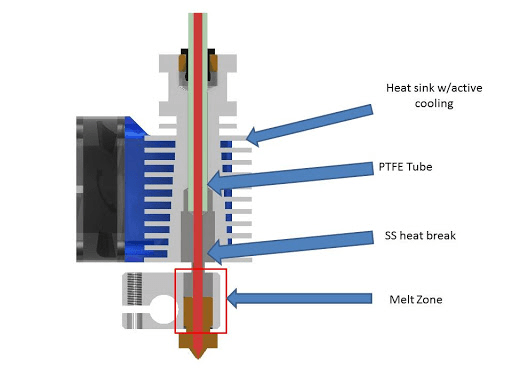
An all-metal hotend lets you print at higher temps without PTFE degradation and improves extrusion consistency. I noticed a huge reduction in clogging after switching — especially with flexible and composite filaments.
My Recommended Hotends on Amazon
- Micro Swiss All-Metal Hotend – premium quality and long-lasting.
- Creality Sprite Extruder Kit – great combo upgrade for Ender printers.
- Trianglelab Dragon Hotend – excellent for high-temperature materials.
3. Dual Gear Extruder
This one improved my print quality almost instantly. A dual gear extruder grips the filament from both sides. It ensures consistent flow and reduces under-extrusion. This is especially noticeable with TPU and flexible materials.
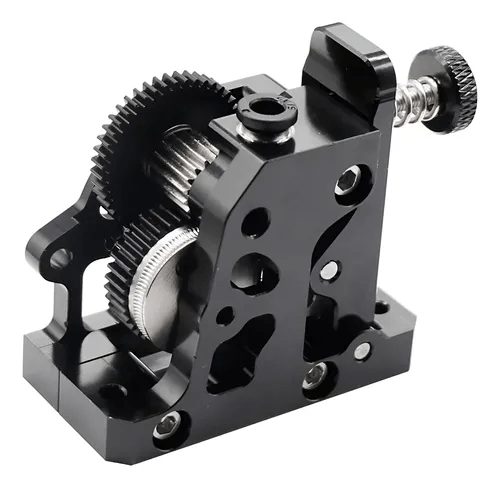
After upgrading, my layer lines looked tighter, and my retractions became far more reliable.
My Recommended Extruders on Amazon
- Bondtech BMG Clone – top-tier performance and precision.
- Biqu Dual Gear Extruder – budget-friendly and solid build quality.
- Creality Dual Gear Metal Extruder – perfect for quick drop-in upgrades.
4. Auto Bed Leveling Sensor (BLTouch / CR Touch)
This upgrade saved me so much frustration. An auto bed leveling sensor takes care of uneven surfaces and eliminates the guesswork of manual leveling.
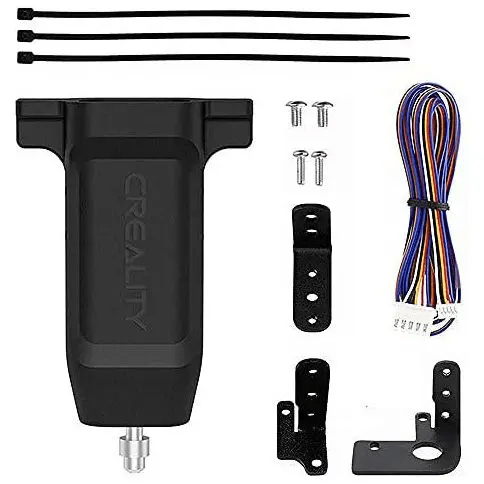
If you’re a beginner, this should be near the top of your list. It drastically improves first-layer success rates and lets you focus on the fun part — printing.
My Recommended Sensors on Amazon
- BLTouch – the original, super precise, and well-supported.
- Creality CR Touch – cheaper choice with consistent results.
5. Silent Stepper Drivers
If your printer sounds like a fax machine from the 90s, this one’s for you.
Silent stepper drivers reduce the high-pitched whining sound and make your printer nearly whisper-quiet. Perfect for home setups or overnight prints.
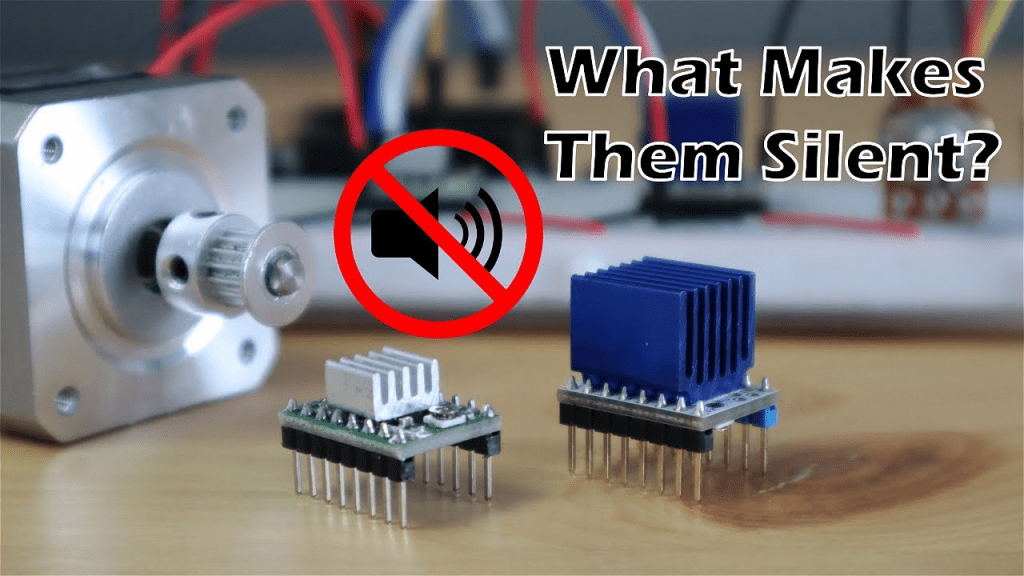
When I installed TMC2209s, I finally print next to my workspace without noise fatigue — game changer.
My Recommended Stepper Drivers on Amazon
- BIGTREETECH TMC2209 – excellent reliability.
- TMC2225 Drivers – good performance at a lower cost.
6. Enclosure
An enclosure helps keep stable print temperatures. It reduces drafts. This lets you print materials like ABS, ASA, or Nylon without warping. It also keeps dust and fumes contained.
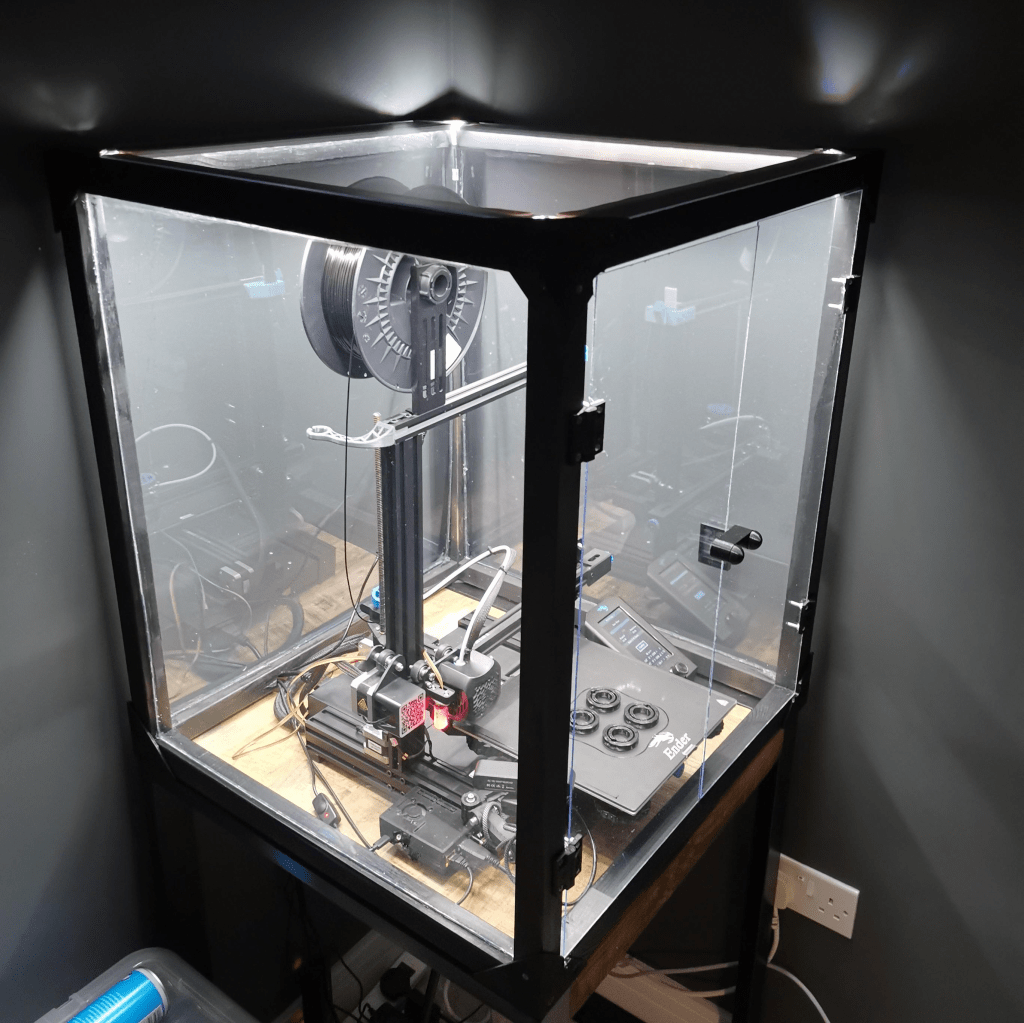
I used to struggle with ABS warping until I built my first enclosure — since then, zero issues.
My Recommended Enclosures on Amazon
- Creality Enclosure V2 – compact and easy to assemble.
- Sovol Enclosure – fits most standard printers, good insulation.
- DIY IKEA Lack Enclosure (check accessories section).
7. Filament Dryer / Storage Box
Moisture is one of the silent killers of print quality. Filament that’s been sitting out absorbs humidity, causing popping, stringing, and weak prints.
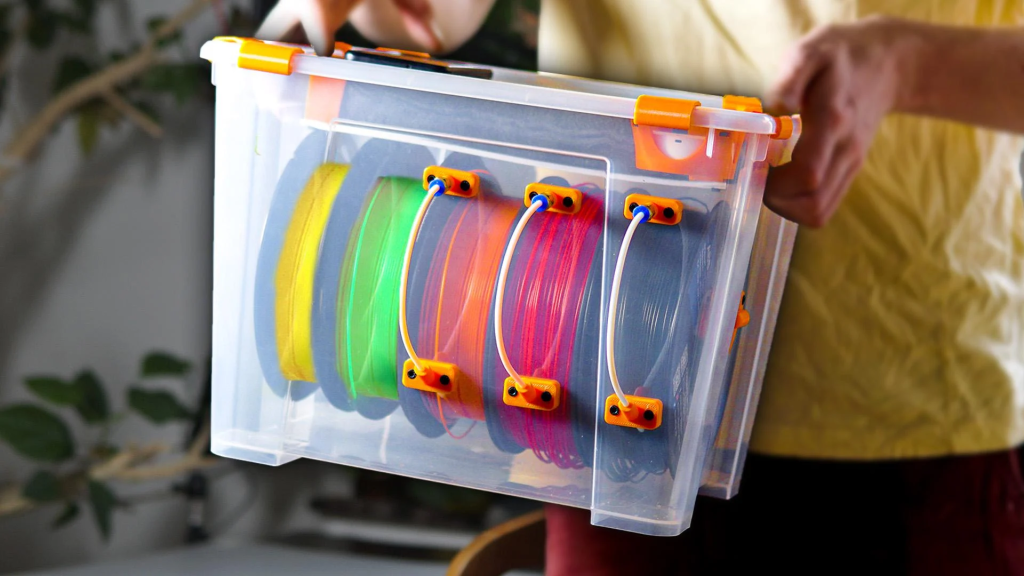
A filament dryer completely solved that for me — especially in summer. I dry every spool before long prints now, and the difference is visible in the layer finish.
My Recommended Filament Dryers on Amazon
- Sunlu Filament Dryer S2 – reliable and user-friendly.
- eSUN eBox – doubles as a dryer and storage container.
- PrintDry System – for pros printing multiple materials.
8. Better Cooling Fan / Duct Mod
Consistent cooling = sharper details and cleaner bridges.
Replacing your stock part cooling fan or duct can drastically improve surface finish.
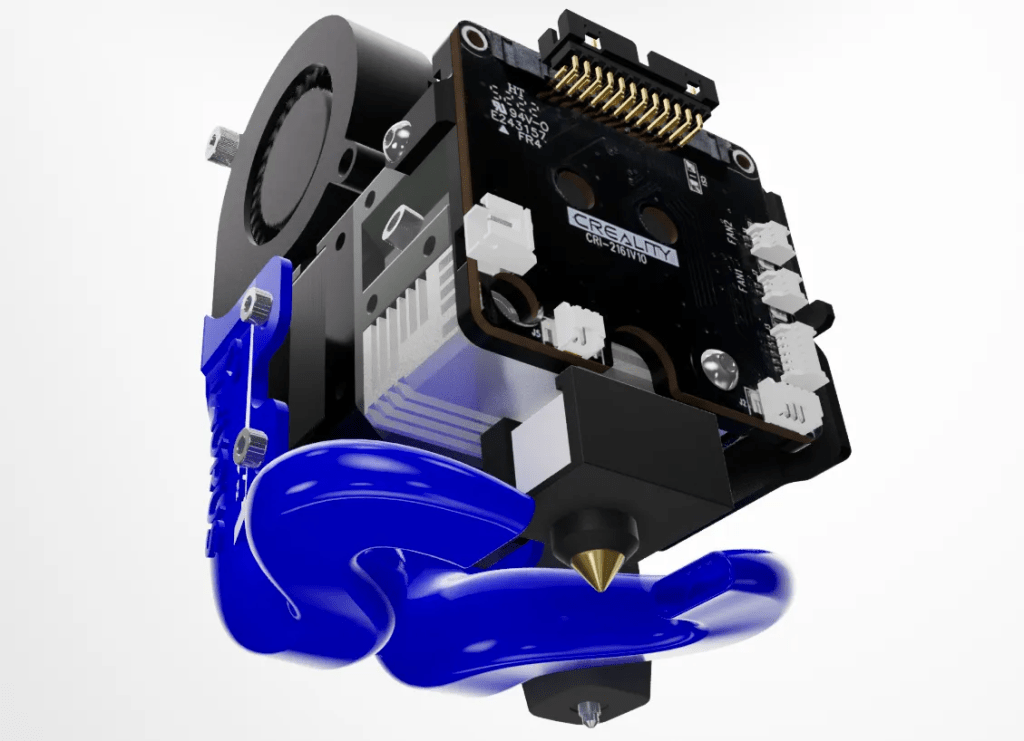
I use a Noctua 40mm fan on most of my printers — quiet, durable, and perfect for precision parts.
My Recommended Cooling Upgrades on Amazon
- Noctua 40x10mm Fan – quietest fan you’ll ever use.
- Winsinn 24V Fan – strong airflow for budget setups.
- Hero Me Fan Duct Kits – 3D printable duct mods to pair with fans.
9. Hardened Steel Nozzle
If you print abrasive filaments like carbon fiber, glow-in-the-dark, or wood-filled PLA, you need a hardened steel nozzle.
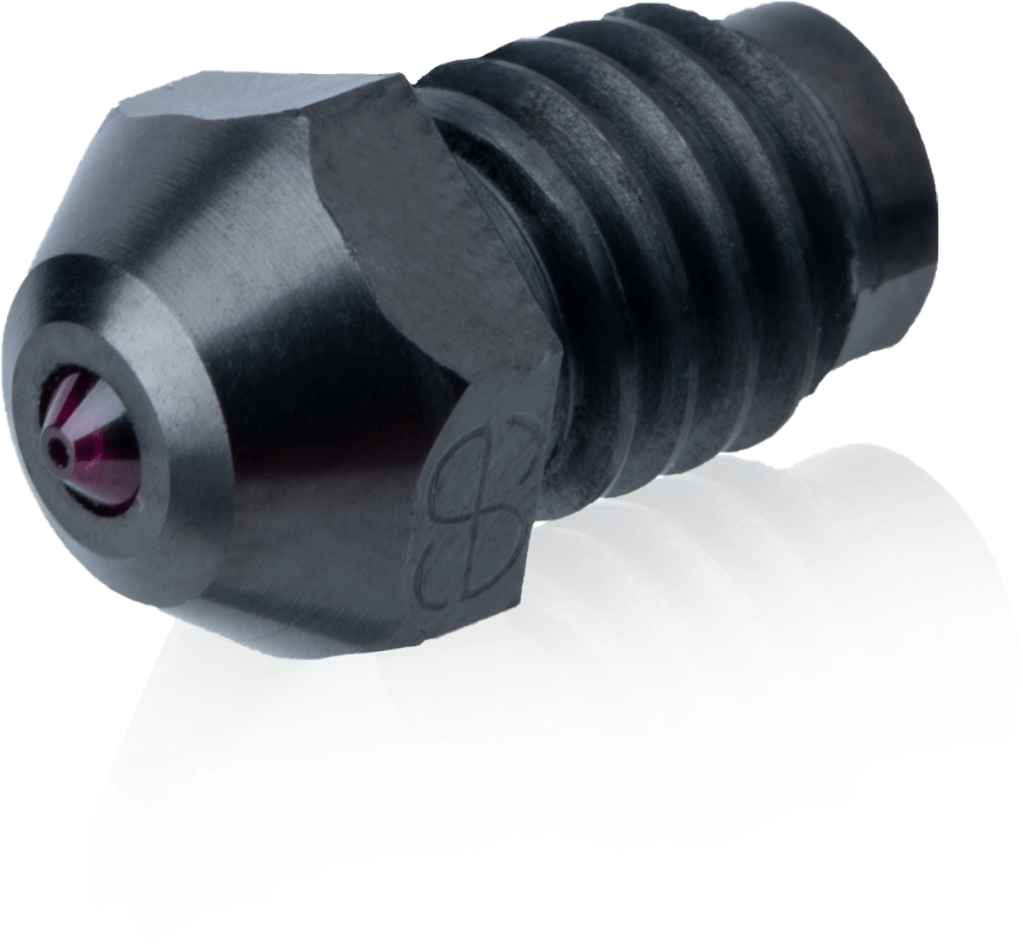
I ruined a few brass ones early on — lesson learned. Hardened nozzles last 10x longer and keep dimensional accuracy.
My Recommended Nozzles on Amazon
- Micro Swiss Hardened Steel Nozzle – unbeatable quality.
- Creality Hardened Nozzle – reliable and affordable choice.
- E3D V6 Nozzles – a classic, with various sizes available.
10. OctoPrint / Camera Setup
This is one of the most satisfying upgrades you can add.
With OctoPrint, you can watch your prints remotely, start or stop jobs, and even record time-lapses. I use it daily to keep an eye on long jobs while working.
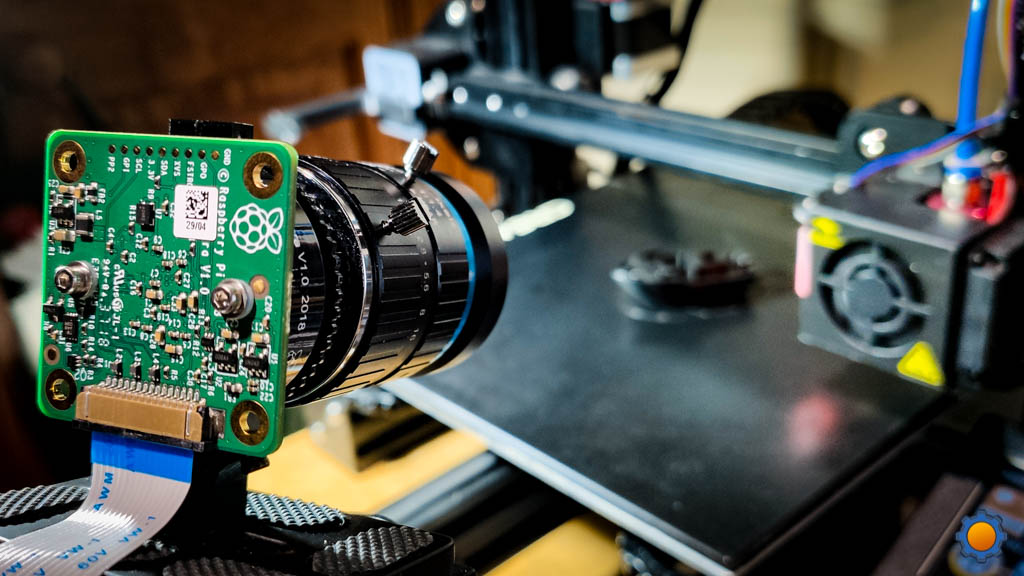
My Recommended Gear on Amazon
- Raspberry Pi 4 – best choice for OctoPrint performance.
- Logitech C270 Webcam – reliable and cheap.
- USB Extension Cable & Power Supply Kit.
Final Thoughts
Not every upgrade is worth it — but these ones genuinely make printing more reliable, easier, and way more enjoyable.
Start with one or two that match your needs, and you’ll notice improvements right away.
If you want to dive deeper, check out more guides on my blog:
- The Ultimate Guide to 3D Printing Filaments
- Essential Tools for Post-Processing 3D Prints
- Beginner’s 3D Printer Buying Guide
Happy printing — and happy upgrading! 🚀
Affiliate Disclaimer
As an Amazon Associate I earn from qualifying purchases. Some of the links above are affiliate links. This means I earn a small commission if you buy through them. It comes at no extra cost to you. Every recommendation here comes from tools and upgrades I’ve personally tested and use in my own workshop.

Leave a comment