What You Really Need to Start 3D Printing in 2025
So, you’ve decided to jump into the world of 3D printing — welcome!
Before you hit that “Print” button, let’s discuss only the essentials you need to get started. We will skip the fluff.
1. Choose the Right 3D Printer
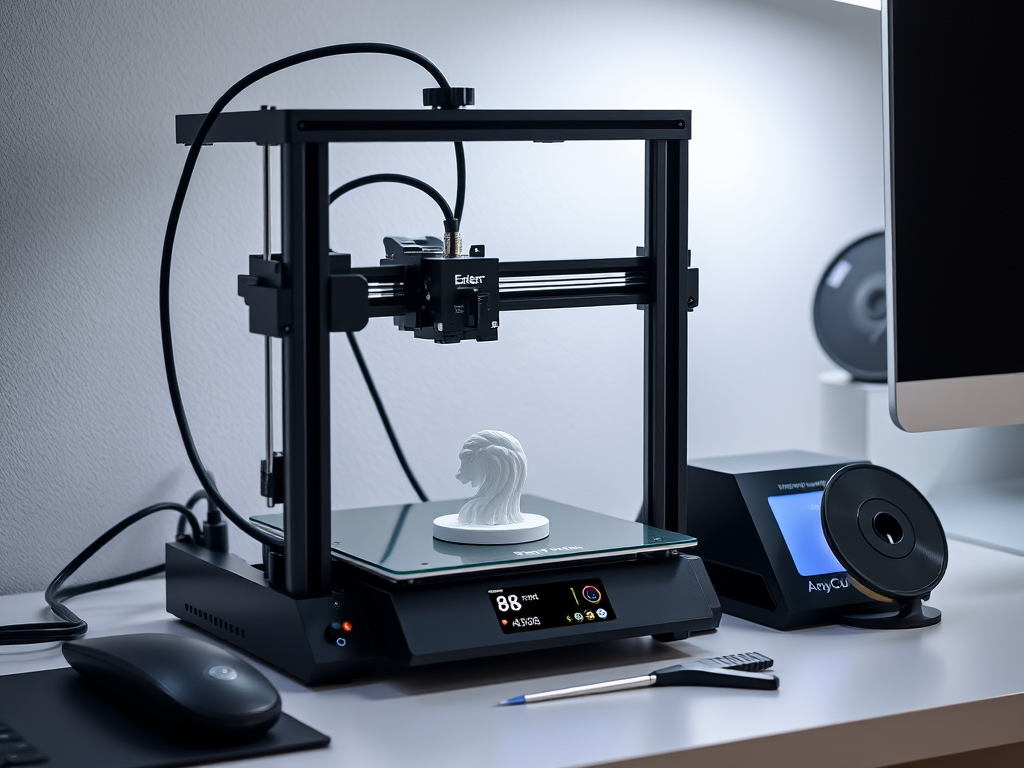
Whether you’re starting with filament (FDM) or resin (SLA), picking the right machine is the foundation. Here are three great beginner picks for 2025:
- FDM: Creality Ender 3 V3 SE – Reliable, affordable, huge community support.
- FDM: Anycubic Kobra 2 Neo – Easy setup, auto-leveling, fast.
- Resin: Elegoo Mars 4 – Great detail, compact, ideal for miniatures.
💡 Tip: Start with FDM if you’re new to the whole maker world — it’s cleaner, cheaper, and more forgiving.
[Link to: “Best 3D Printers for Beginners in 2025”]
2. Essential Tools You’ll Actually Use
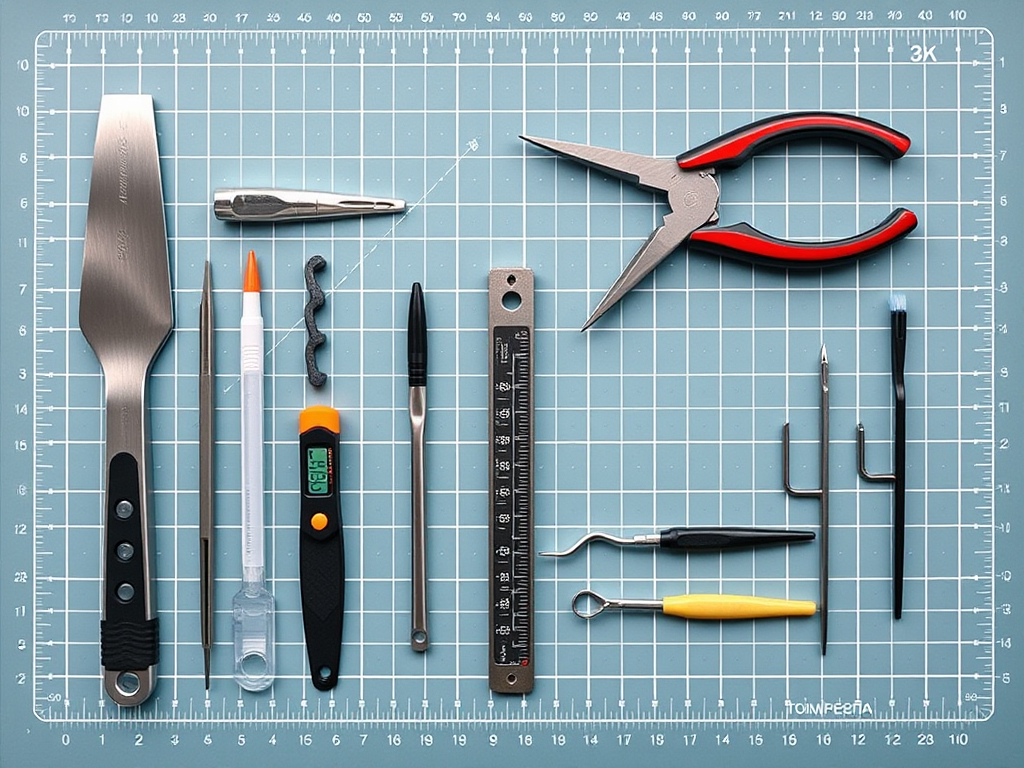
You don’t need a full workshop. Here’s a practical starter list:
- Spatula/scraper (for removing prints)
- Caliper (for accuracy)
- Glue stick or Magigoo (for bed adhesion)
- Small pliers or flush cutters
- Isopropyl alcohol (for cleaning resin prints)
- Storage boxes (to organize filament or resin)
💡 Tip: Buy a magnetic tool mat — saves time and sanity.
3. Filament or Resin: Which One Is Right for You?

Still unsure? Quick comparison:
| FDM (Filament) | SLA (Resin) | |
|---|---|---|
| Cost | Lower | Higher (resin + alcohol) |
| Setup | Easier | More involved |
| Detail | Moderate | High detail |
| Mess factor | Low | High |
| Safety | Safer | Needs ventilation |
[Link to: “Resin vs Filament: Which is Best for You?”]
4. Software You’ll Need
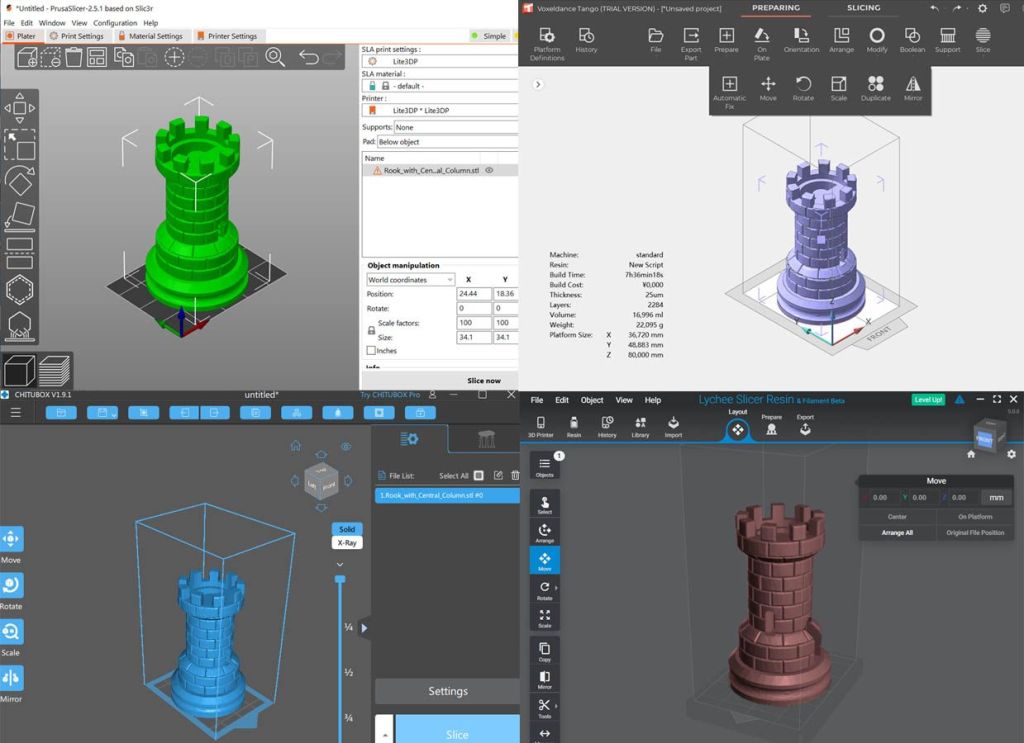
At the very least:
- Slicer: Ultimaker Cura (FDM) or Orca Slicer/ChiTuBox (resin)
- Model viewer: Meshmixer or Blender (for basic edits)
- STL download sites: Thingiverse, Printables, MyMiniFactory
💡 Tip: Start with pre-supported models to avoid failed prints.
5. Your First Print: Start Simple
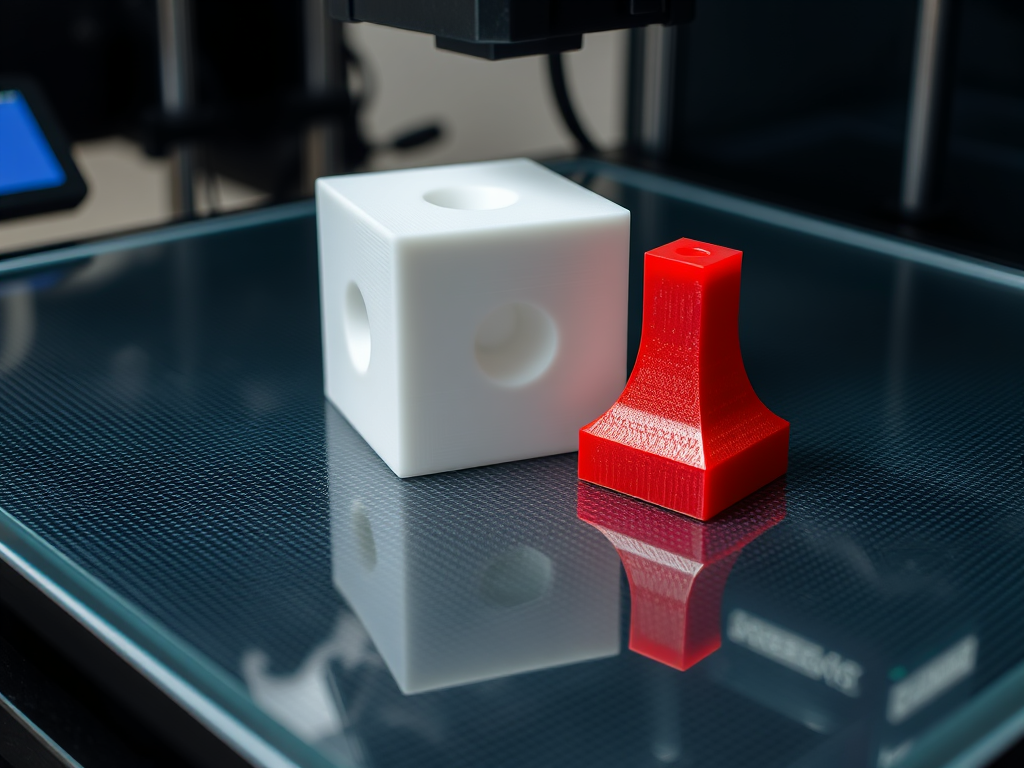
Don’t go straight to Iron Man helmets. Start with:
- 20mm calibration cube
- 3DBenchy (classic benchmark)
- Phone stand or SD card holder
[Link: “Top 10 Functional Prints for Beginners”]
6. Safety + Maintenance
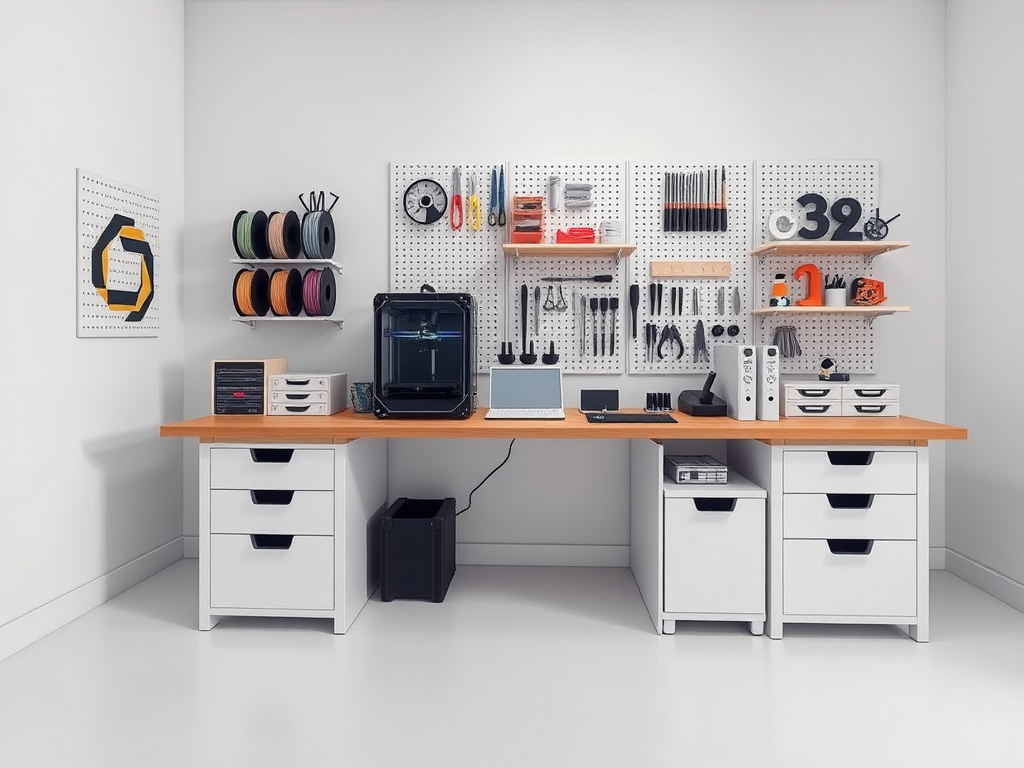
3D printing is mostly safe, but don’t ignore:
- Use your printer in a ventilated space
- Avoid touching hot ends or uncured resin
- Regularly clean bed surface and tighten belts
💡 Tip: Create a short weekly checklist for your machine.
For example, here’s the one I use personally every Sunday evening, just to keep everything running smoothly and avoid surprises mid-print:
✅ Clean the build plate – I wipe it down with isopropyl alcohol to make sure prints stick properly. You’d be surprised how much invisible grime builds up!
✅ Check nozzle for clogs or residue – A quick heat-up and cold pull if needed. Saves me from mystery print failures later.
✅ Inspect filament path – I double-check that the filament is feeding cleanly. It hasn’t tangled or worn the extruder gear.
✅ Tighten belts and screws – Especially on the X and Y axis. Just a small turn with an Allen key keeps prints precise.
✅ Update firmware/software if needed – I keep Cura and my printer’s firmware updated every couple of weeks.
✅ Vacuum the print area – Dust loves electronics. I do a quick pass to keep things clean and avoid buildup on fans or rails.
✅ Test print a quick cube or Benchy – It’s like a health check for the printer. Takes 30 minutes and gives me peace of mind before big jobs.
Adjust the list for your printer, but a routine ensures reliable printing.
Final Thoughts
Starting 3D printing in 2025 doesn’t need a tech degree or a full workshop. With a reliable printer, a few core tools, and a curiosity to learn, you’re good to go.
Start small. Learn by doing. And don’t be afraid to fail — it’s part of the print journey.
Disclaimer: As an Amazon Associate I earn from qualifying purchases. I may receive a small commission if you buy through the links on this page. There is no extra cost to you.


Leave a reply to Mastering Resin Print Post-Processing Techniques – 3DPrintips Cancel reply